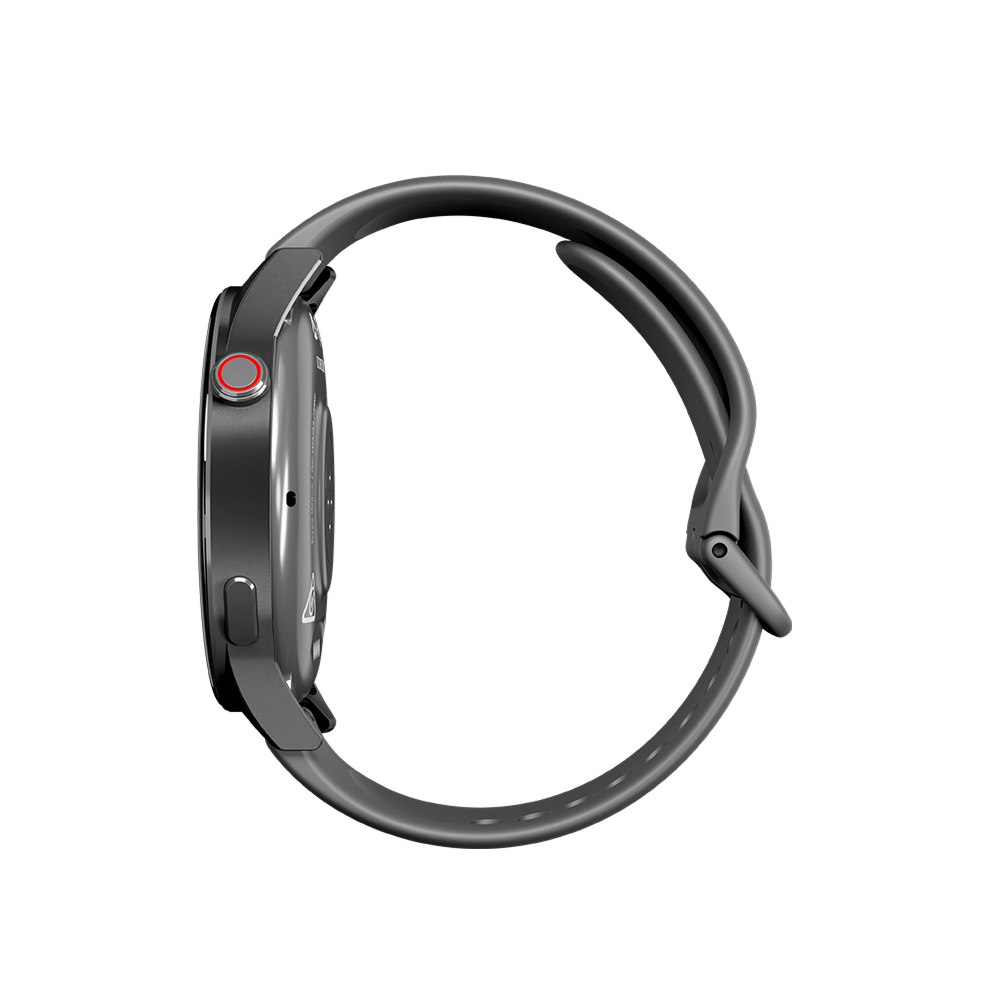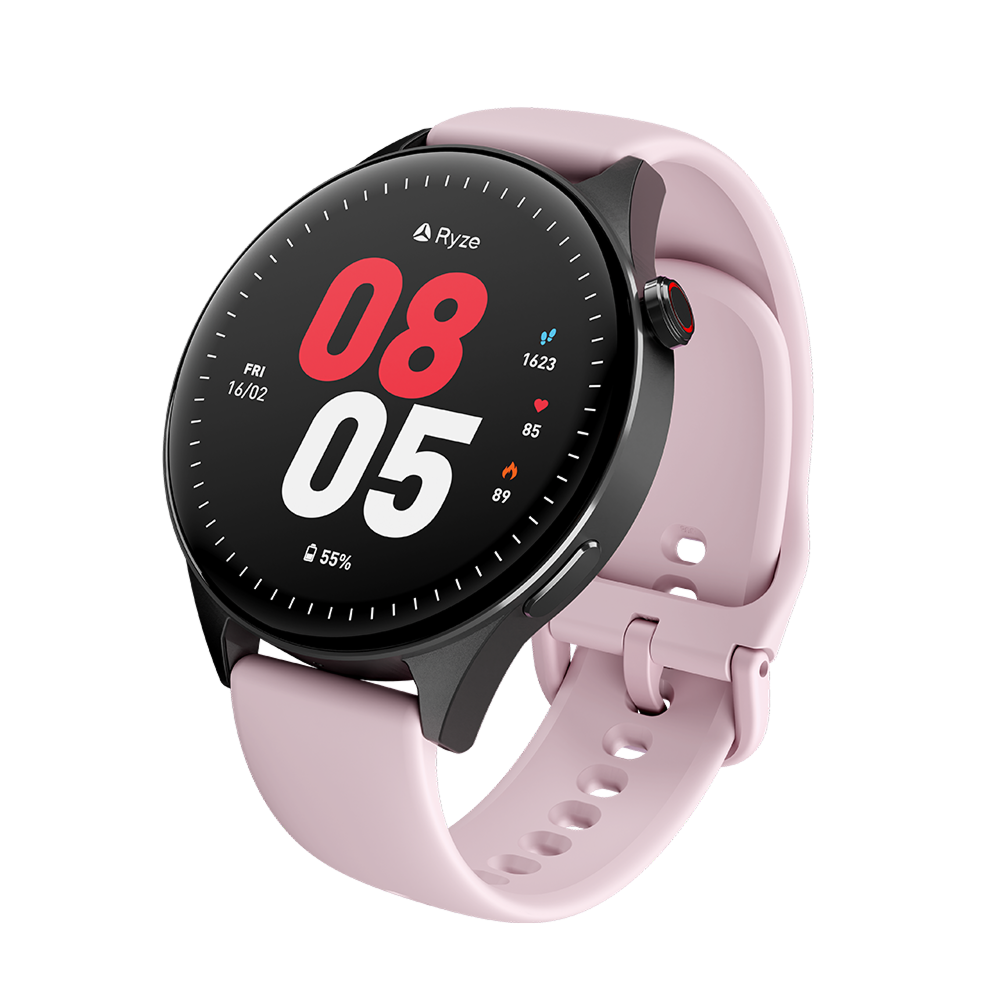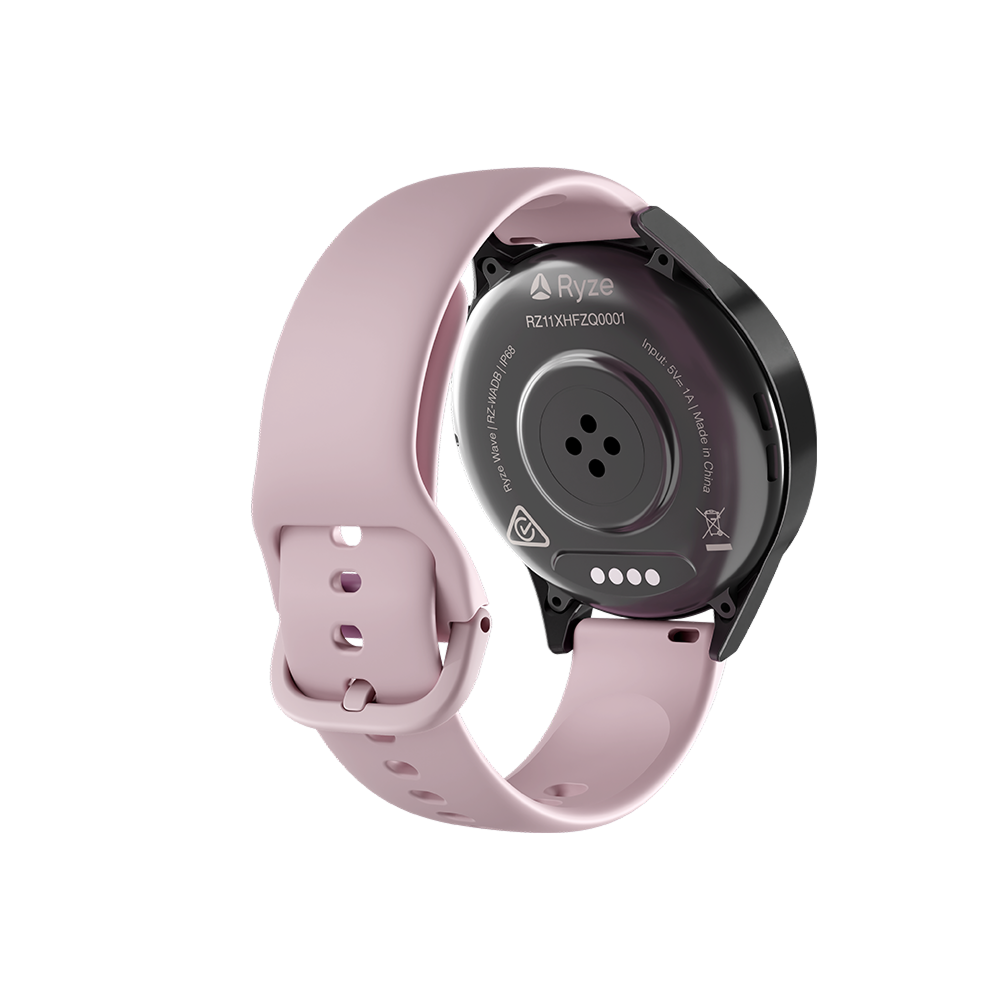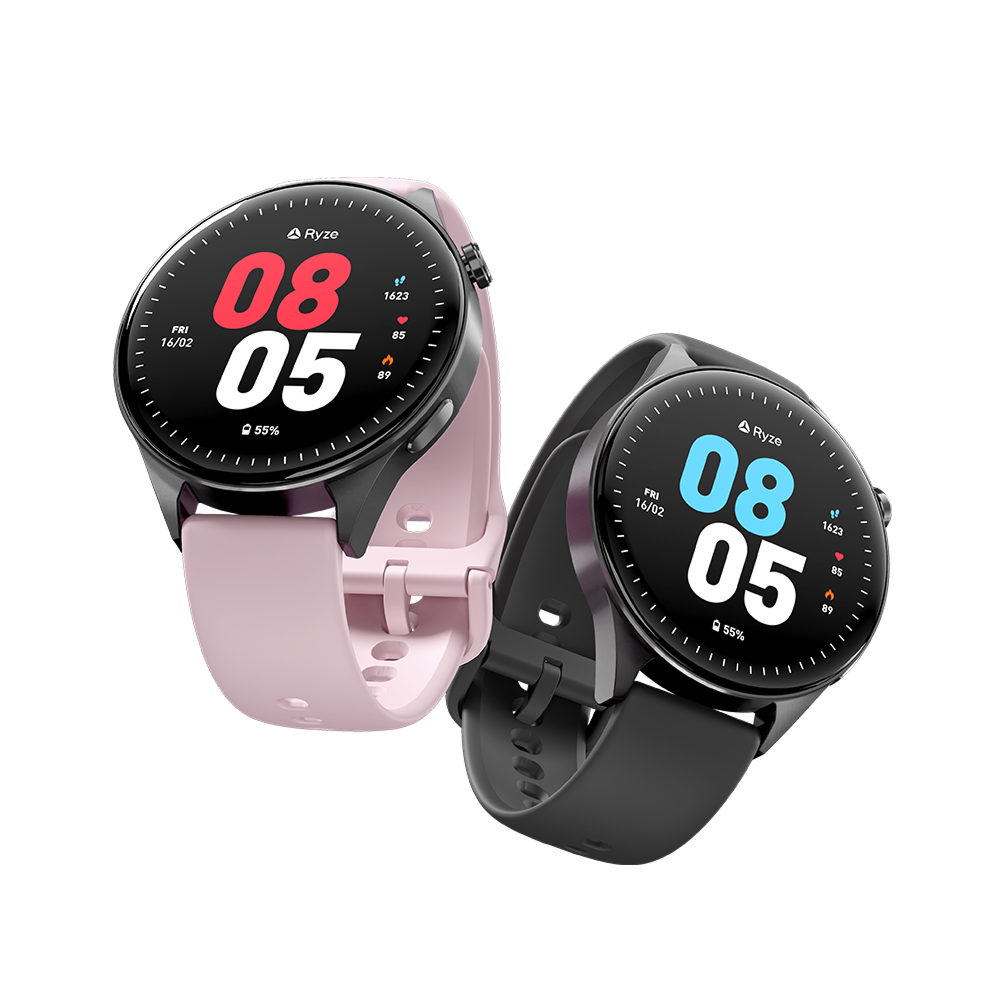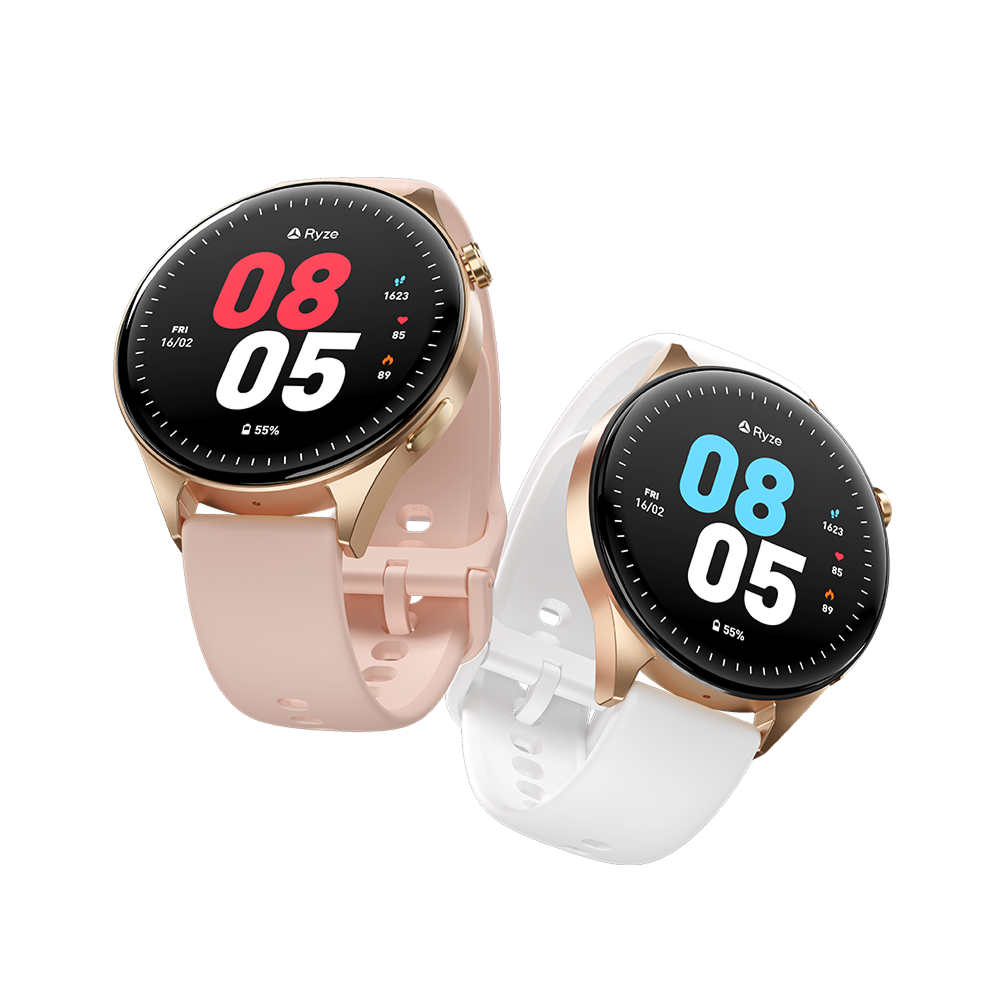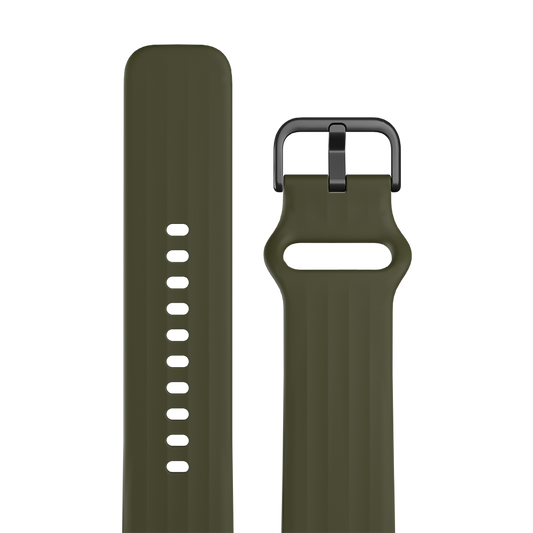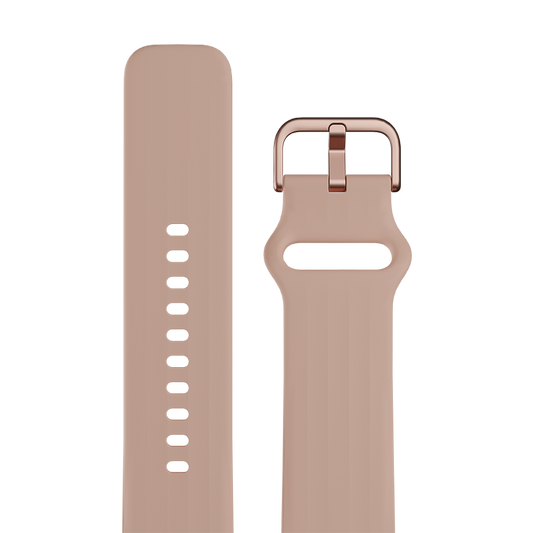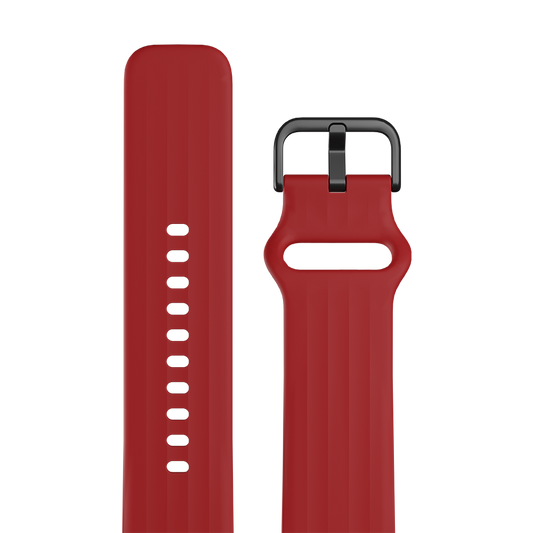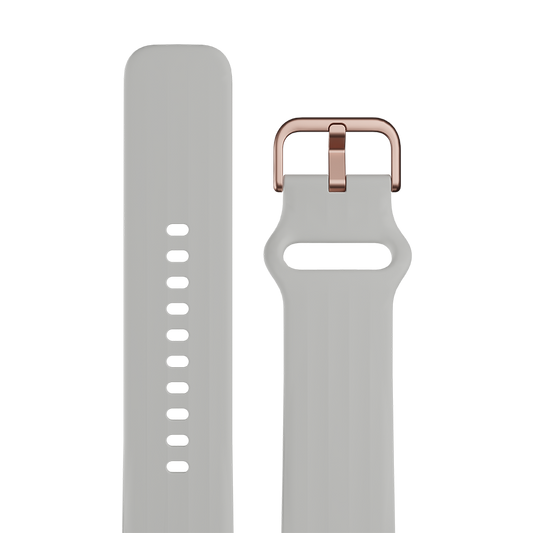
SKU RZ-WAHA

Ryze flex gen 2

smart watch
Out of stock
Regular price $149.95 AUD Sale price $149.95 AUD
Bluetooth Calling Touch Screen 50 Workout Modes Activity Tracking Key Health Indicators Sleep Monitor Breath Training Feminine Health Durable, strong
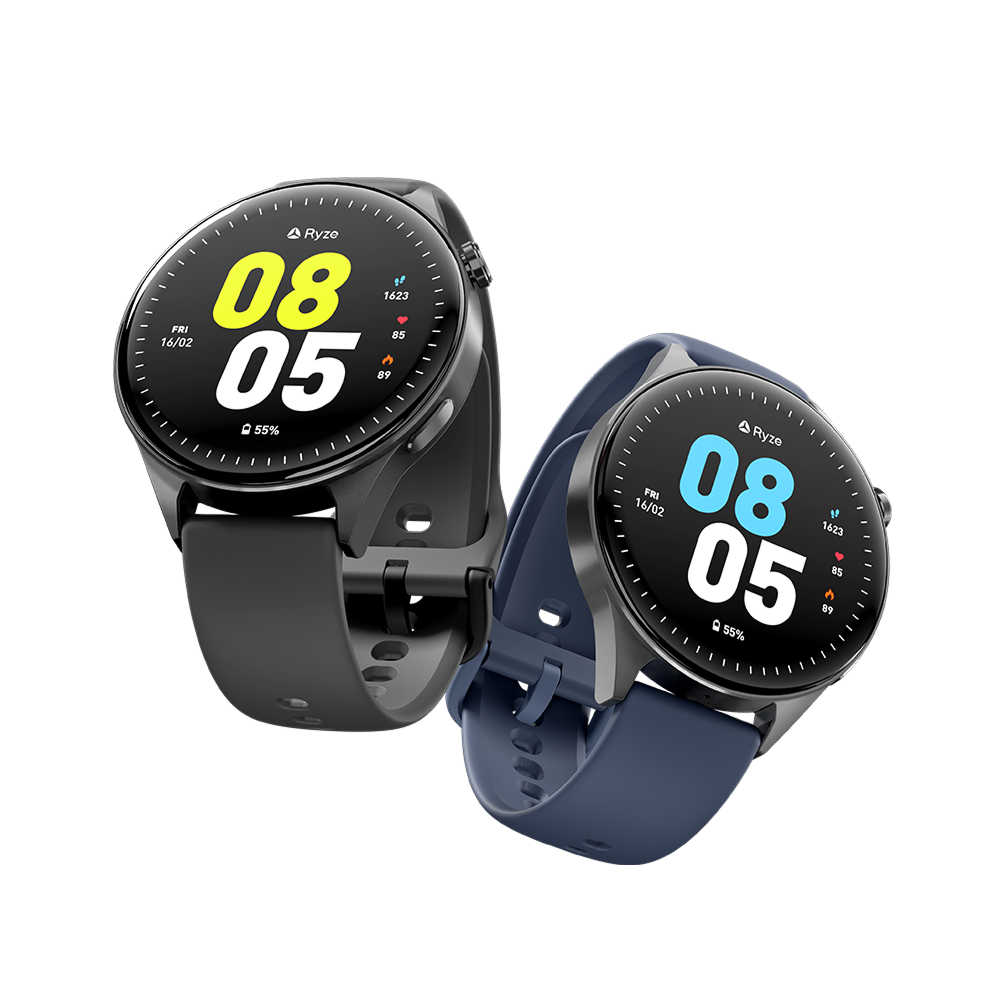
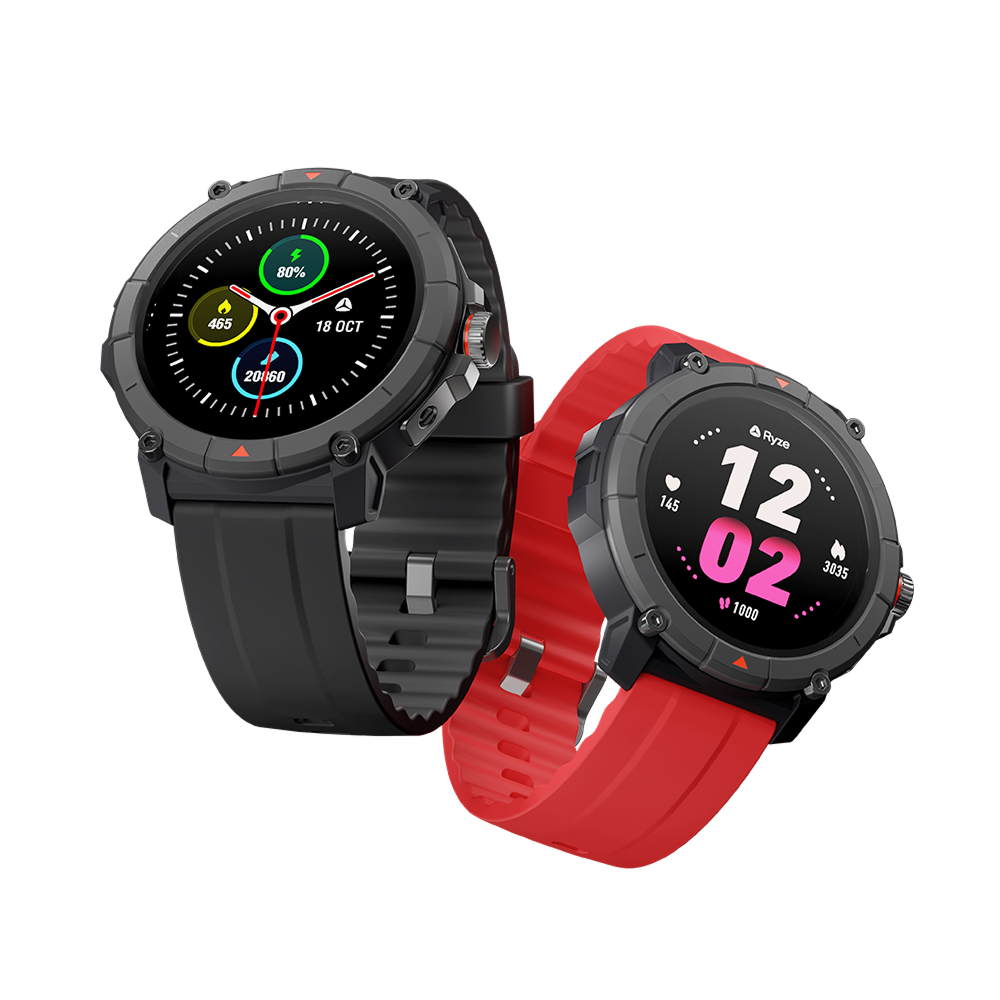
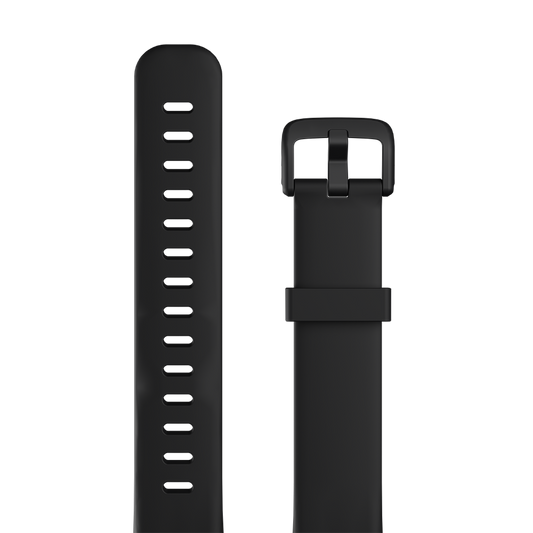
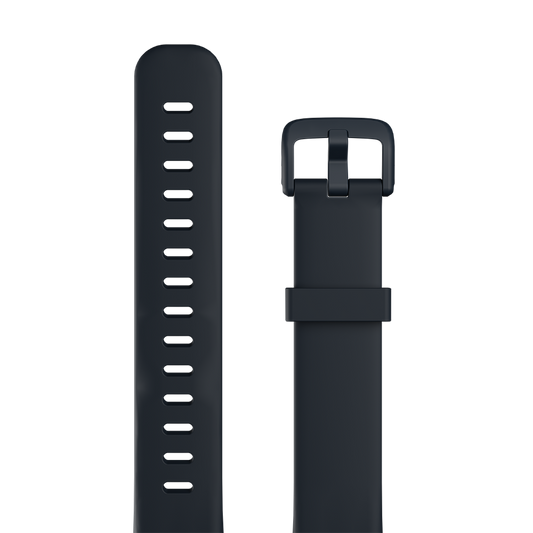
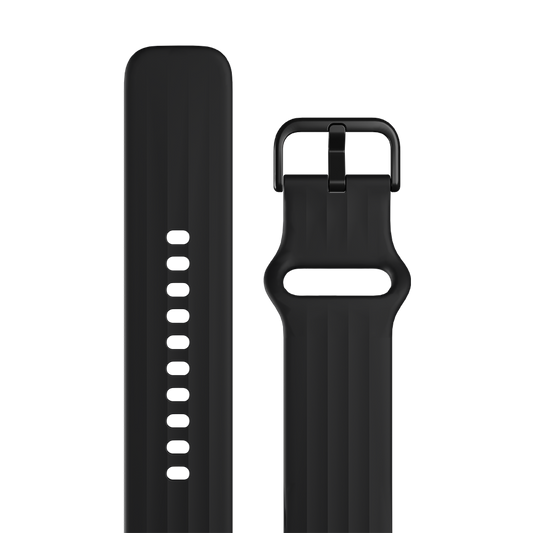
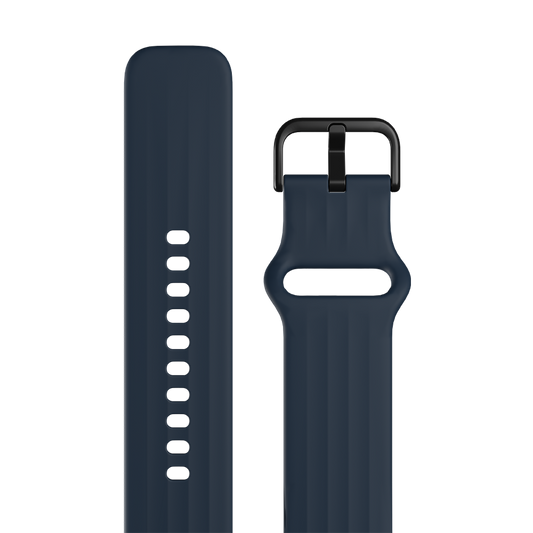
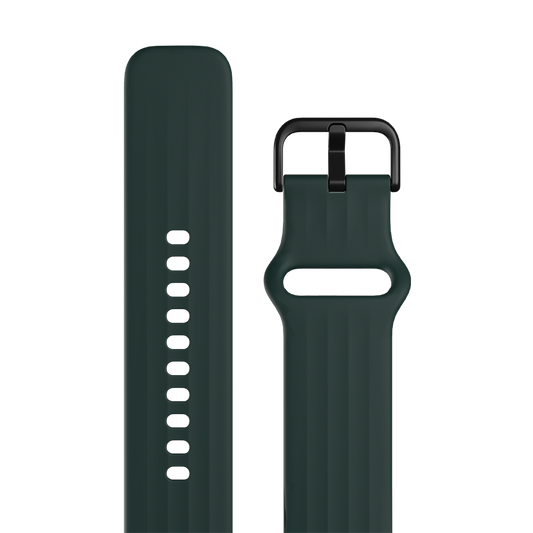
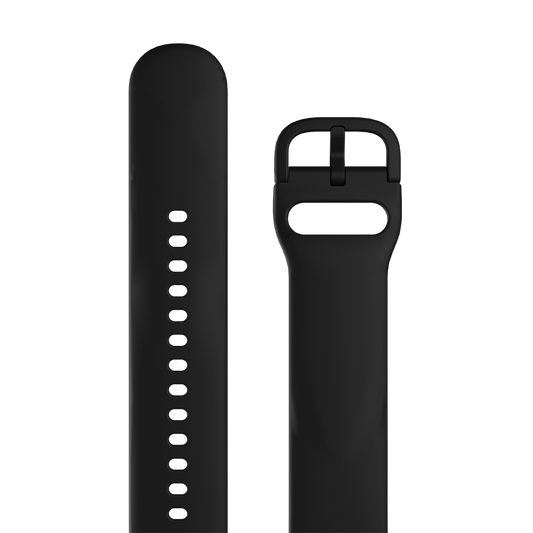
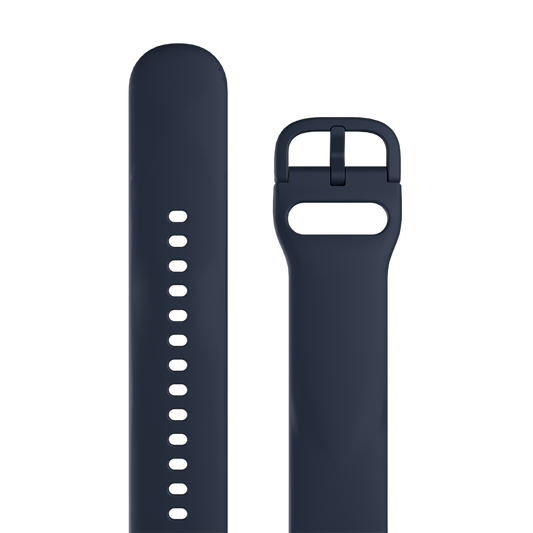
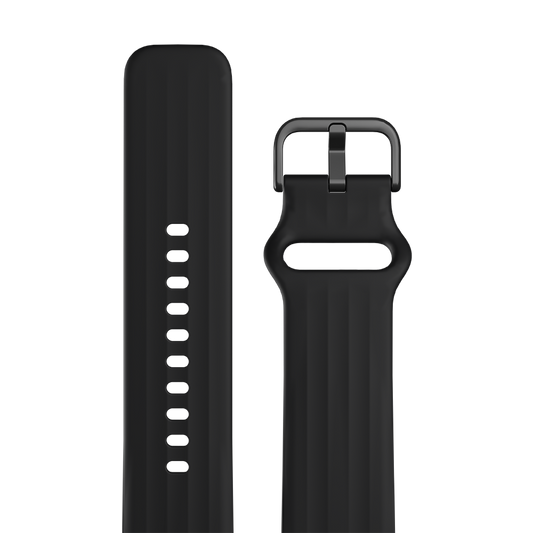
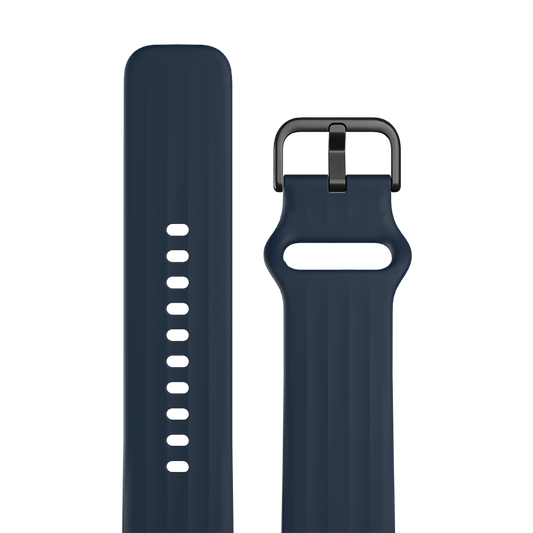
COLOURS Black & Blue

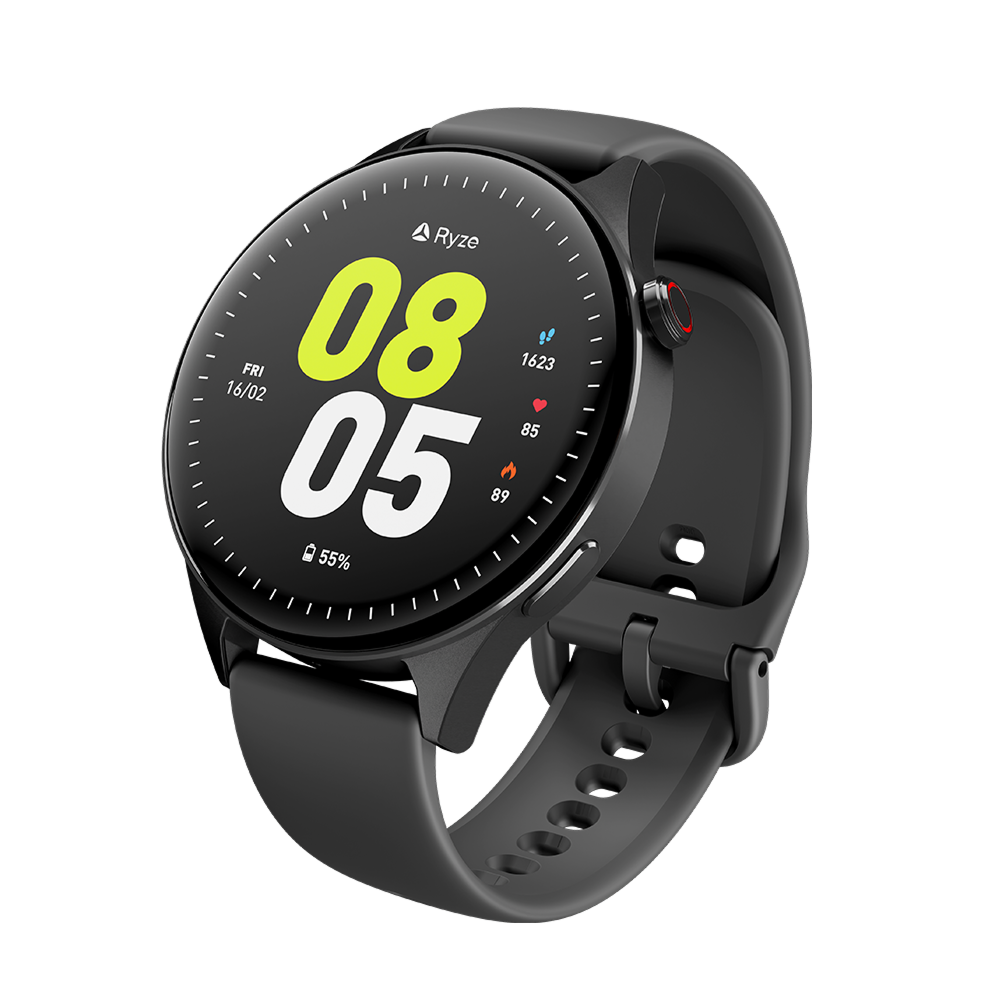
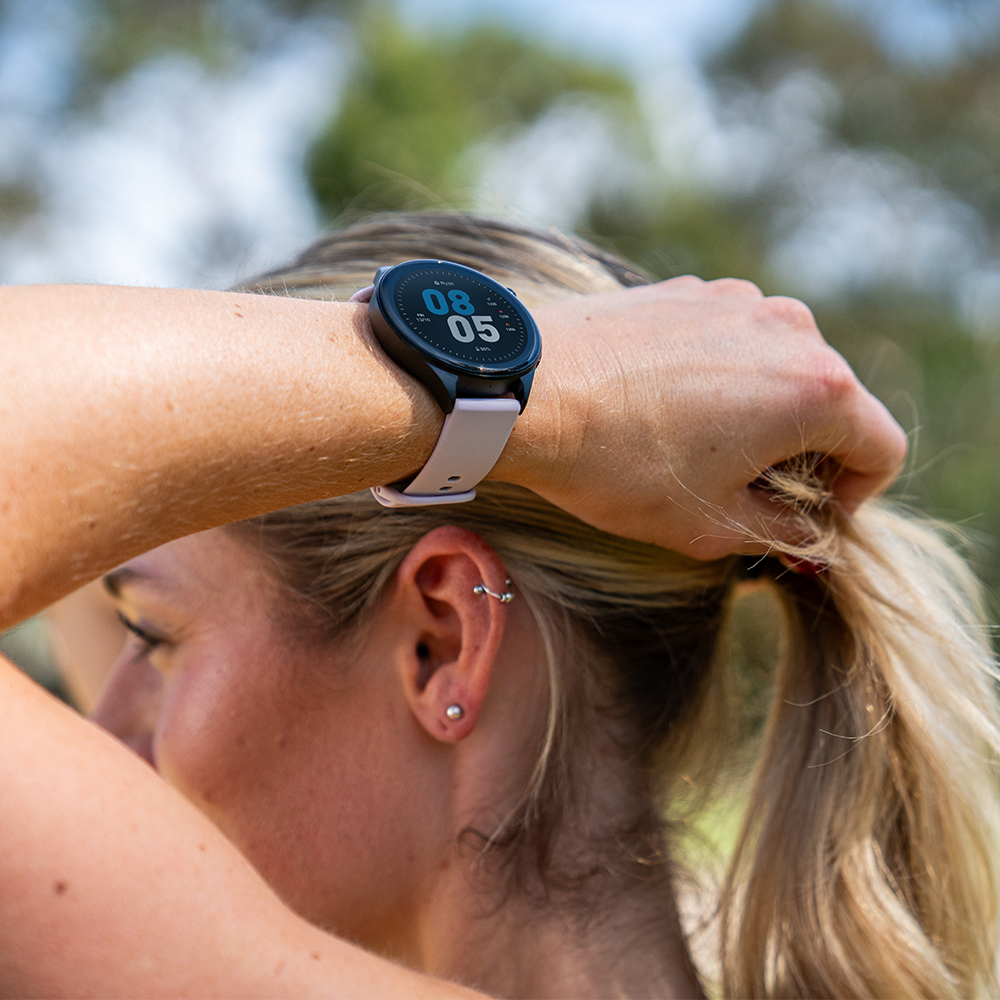
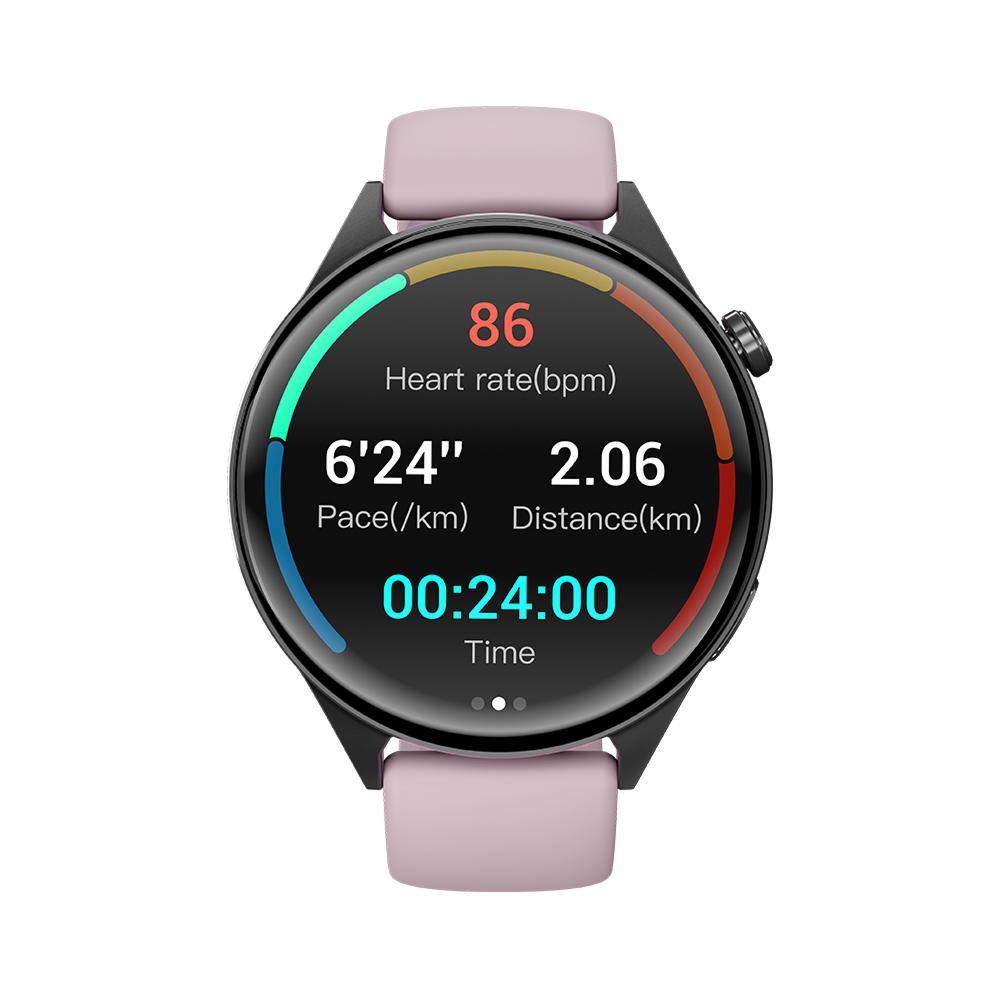
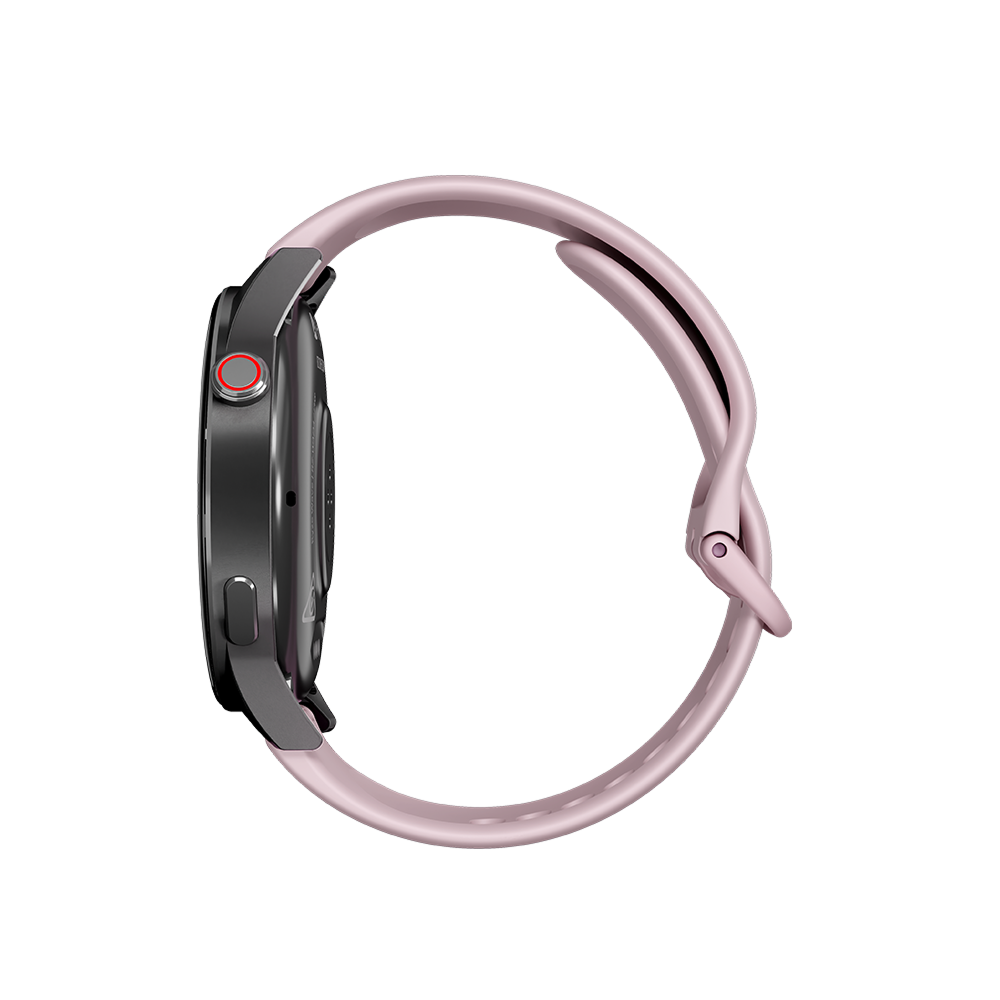
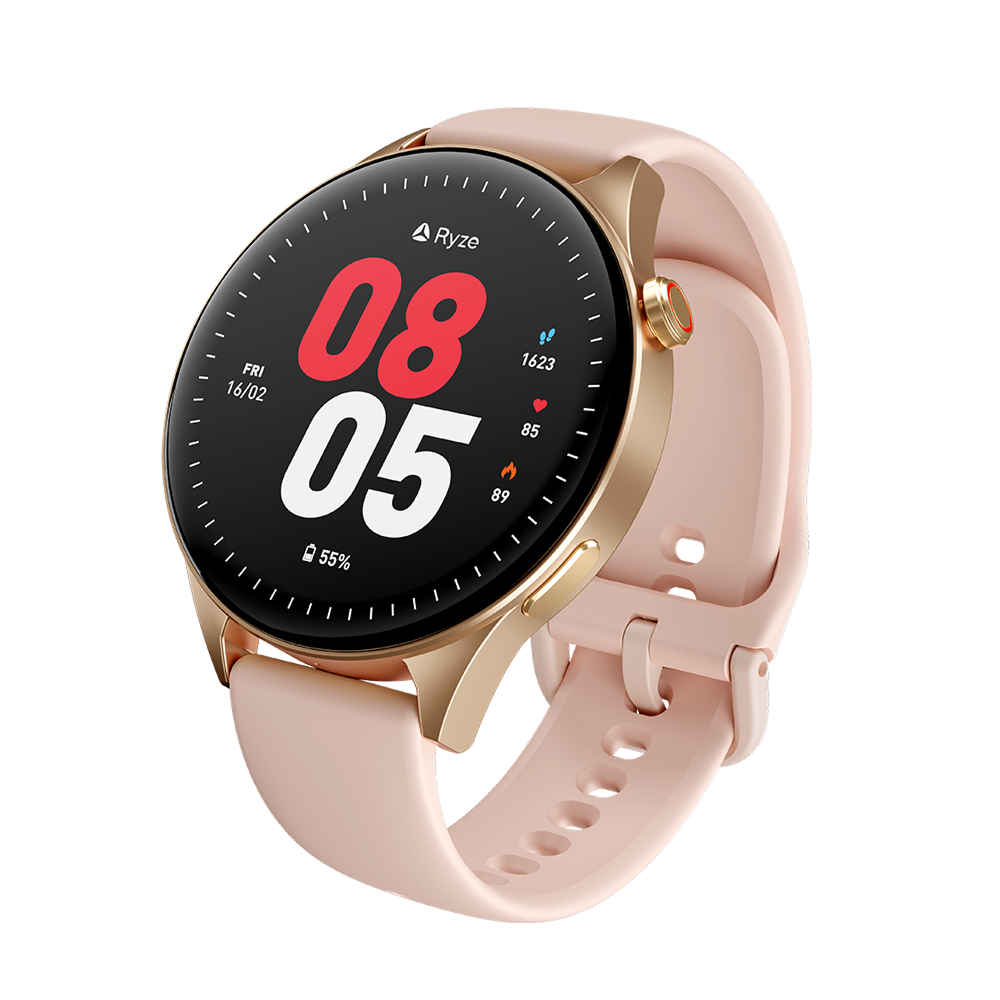
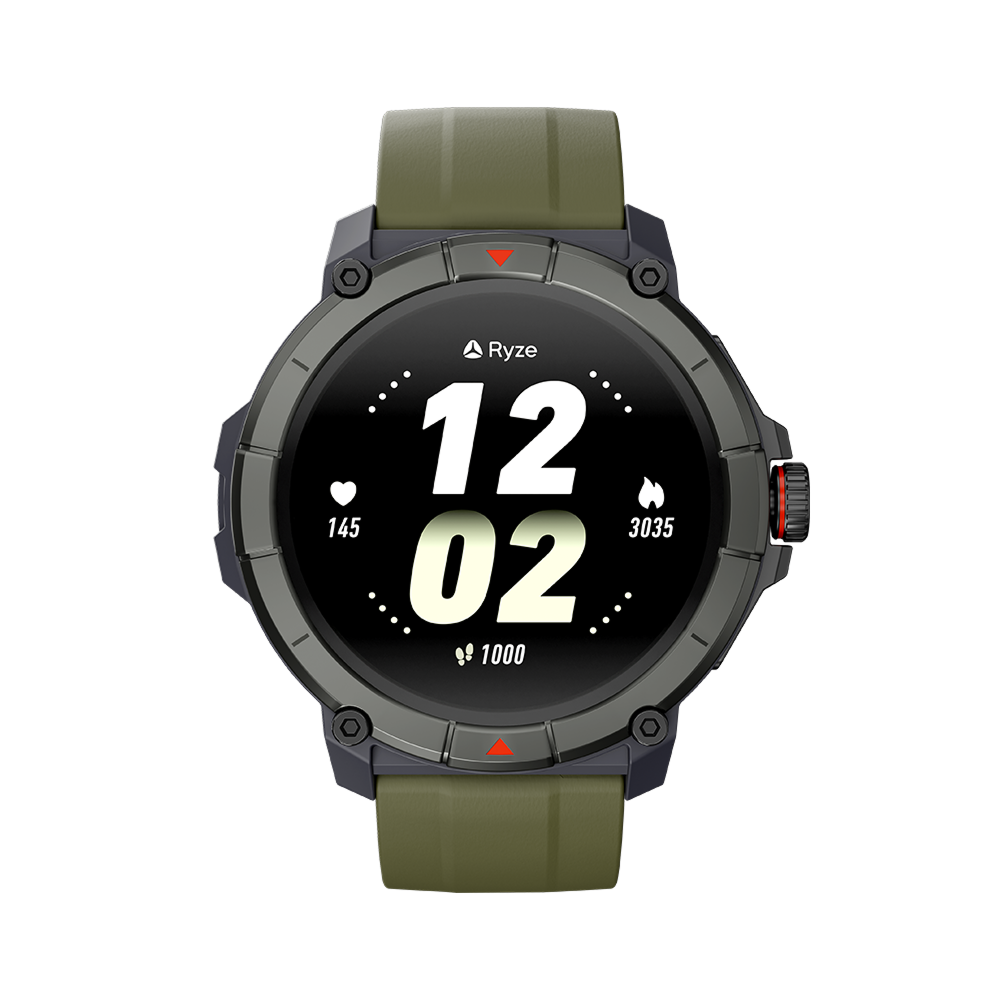
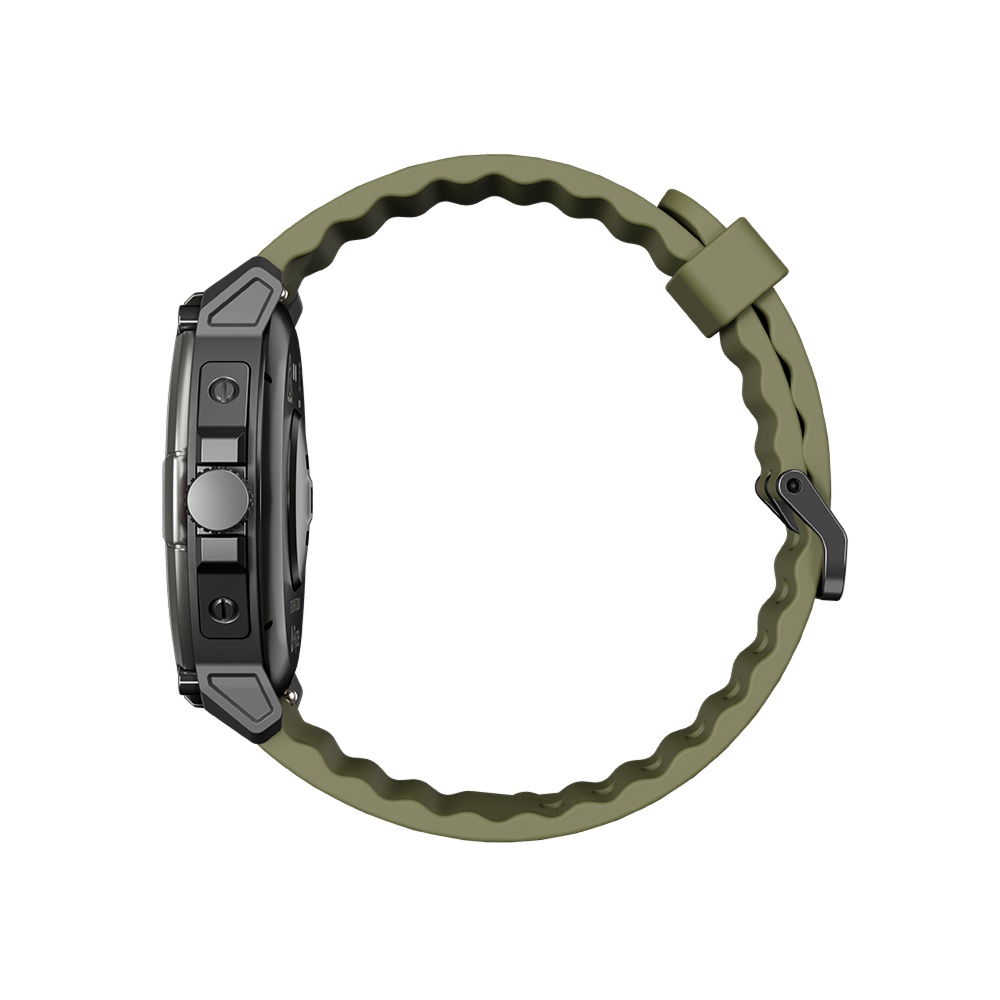
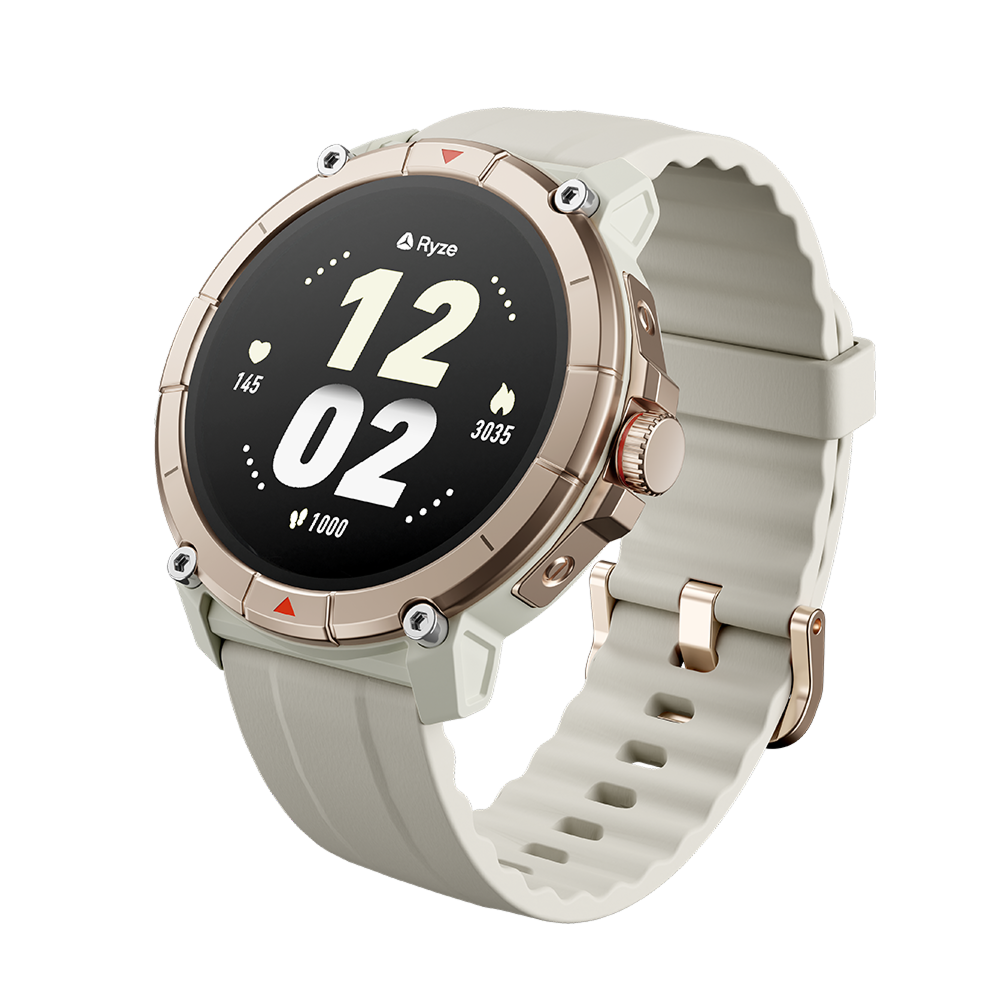
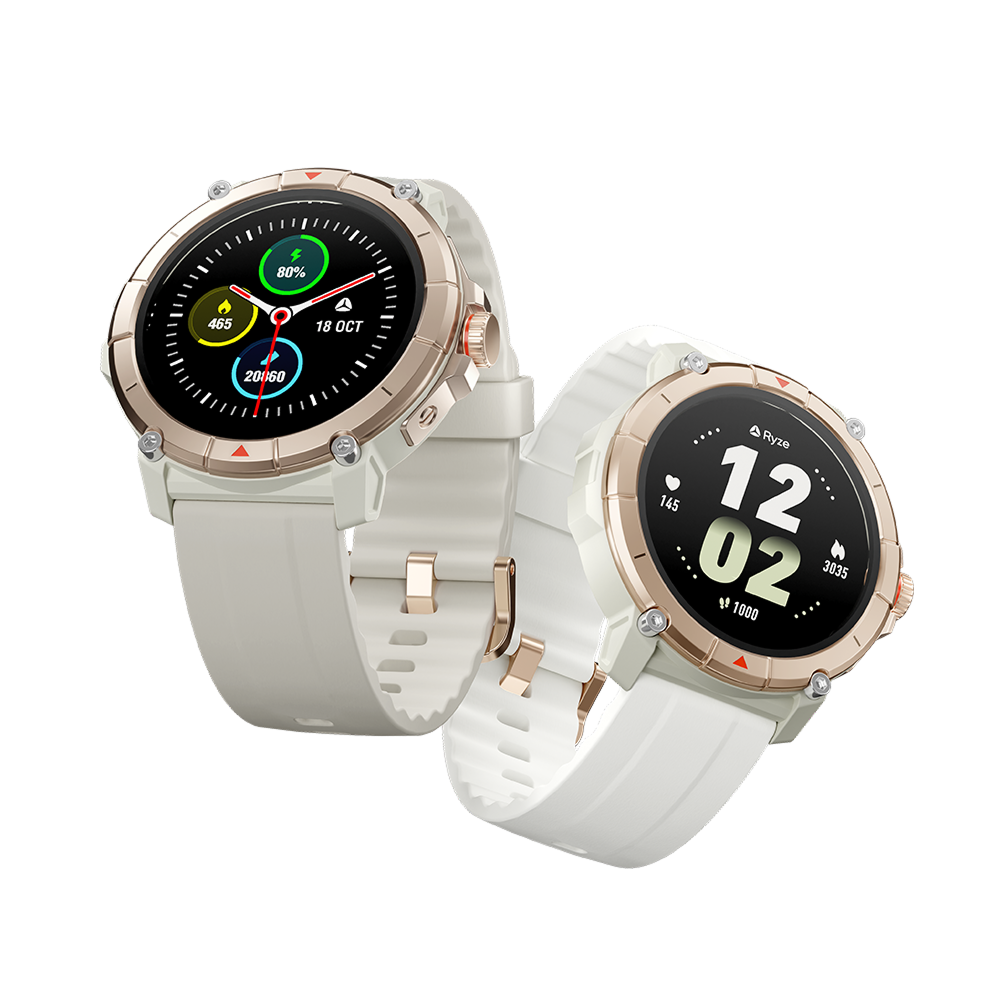
Get your fitness goals into great form with the Ryze flex gen-2 smart watch. Modern and sleek, it empowers you with key health and wellness insights.

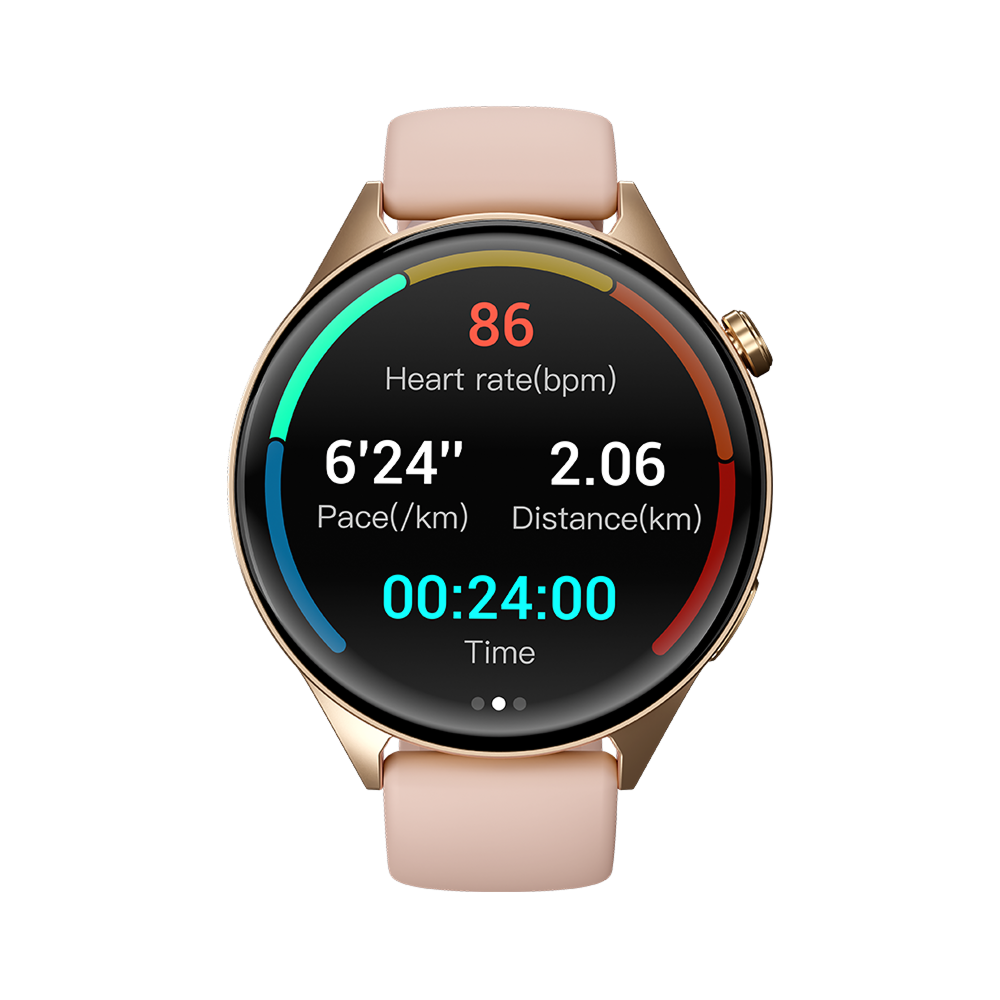
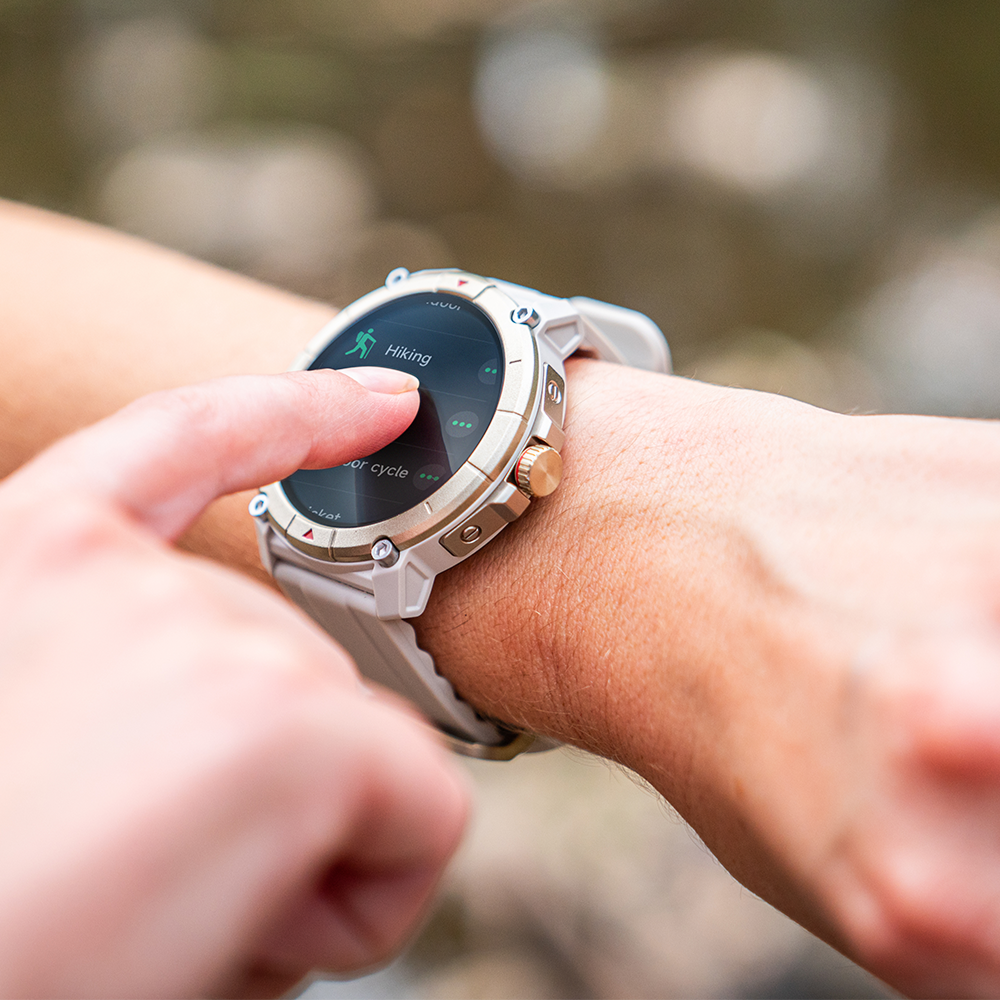
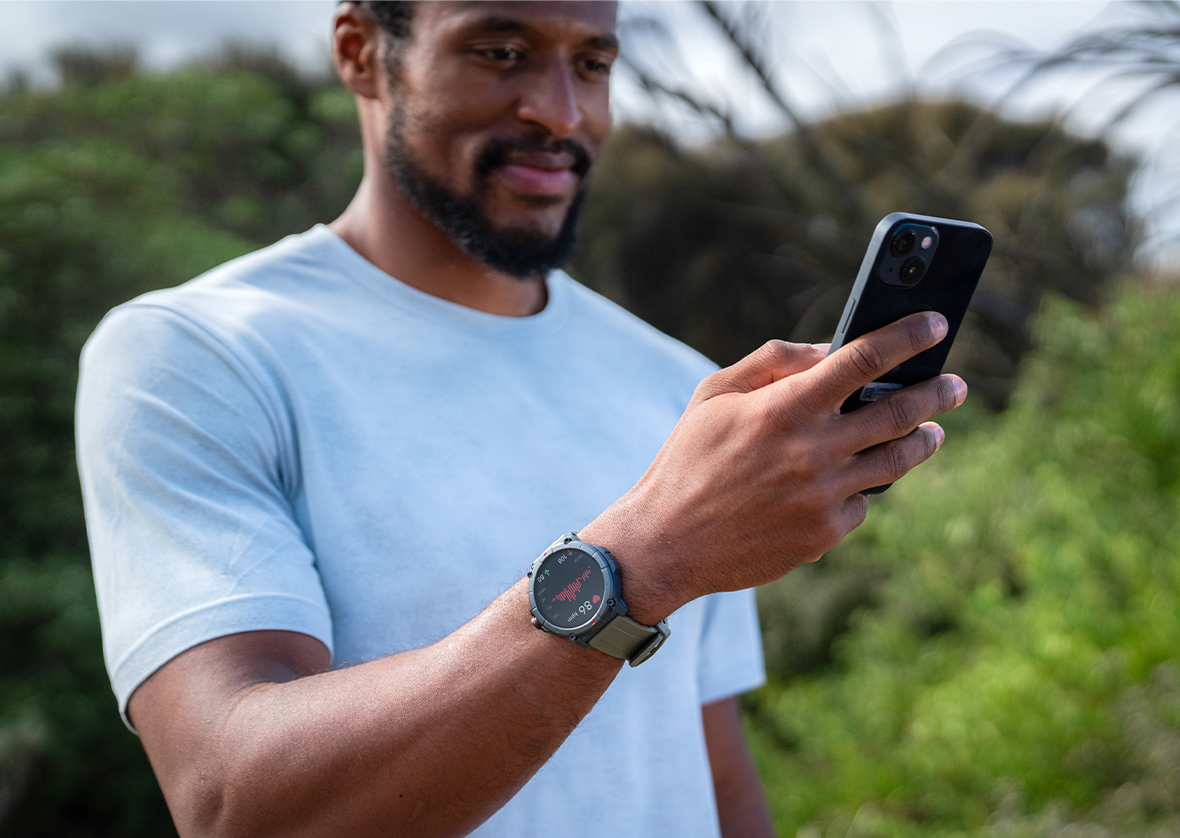
50 workout modes let you drive and track progress, plus you can monitor daily activity levels, sleep patterns, and health indicators like heart rate, blood oxygen and stress. You’ve also got tools to take on the day, with Bluetooth calling, phone camera control, music control and voice assistant. There’s even a find phone function, breathing exercises and feminine health tracking.

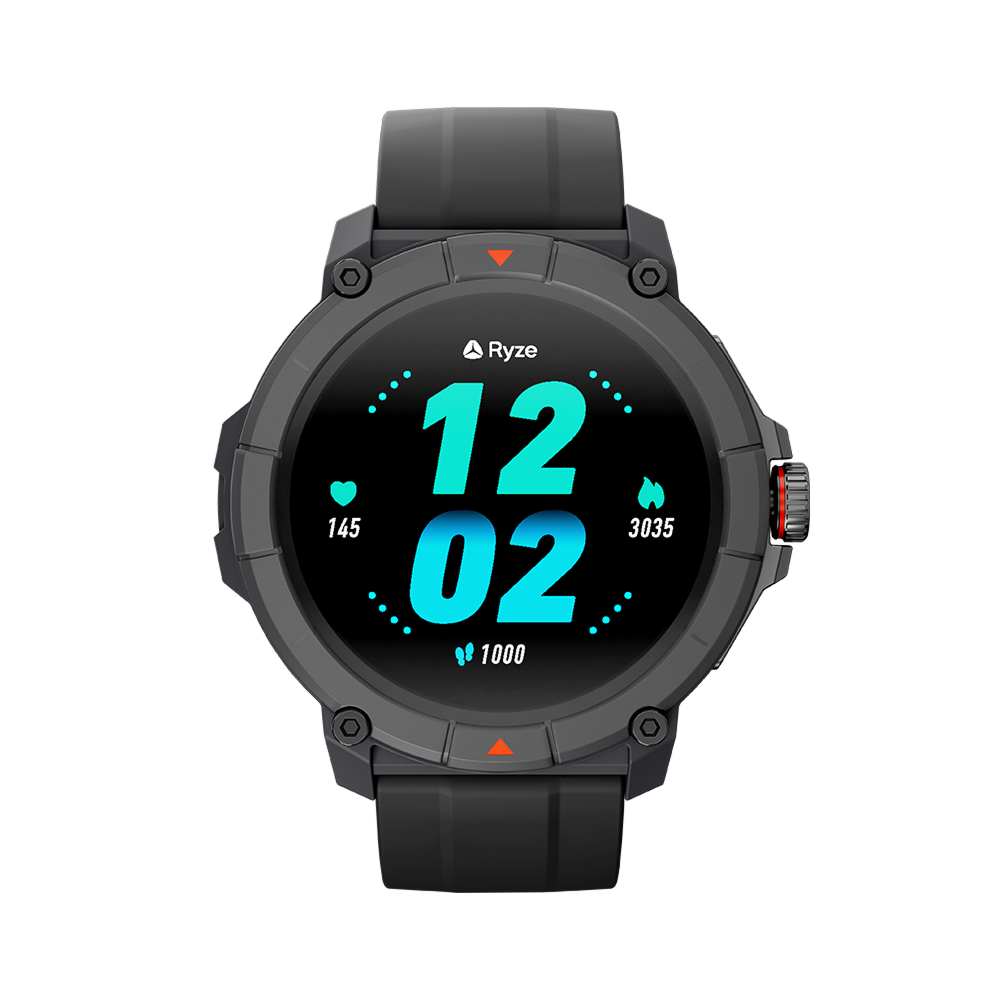
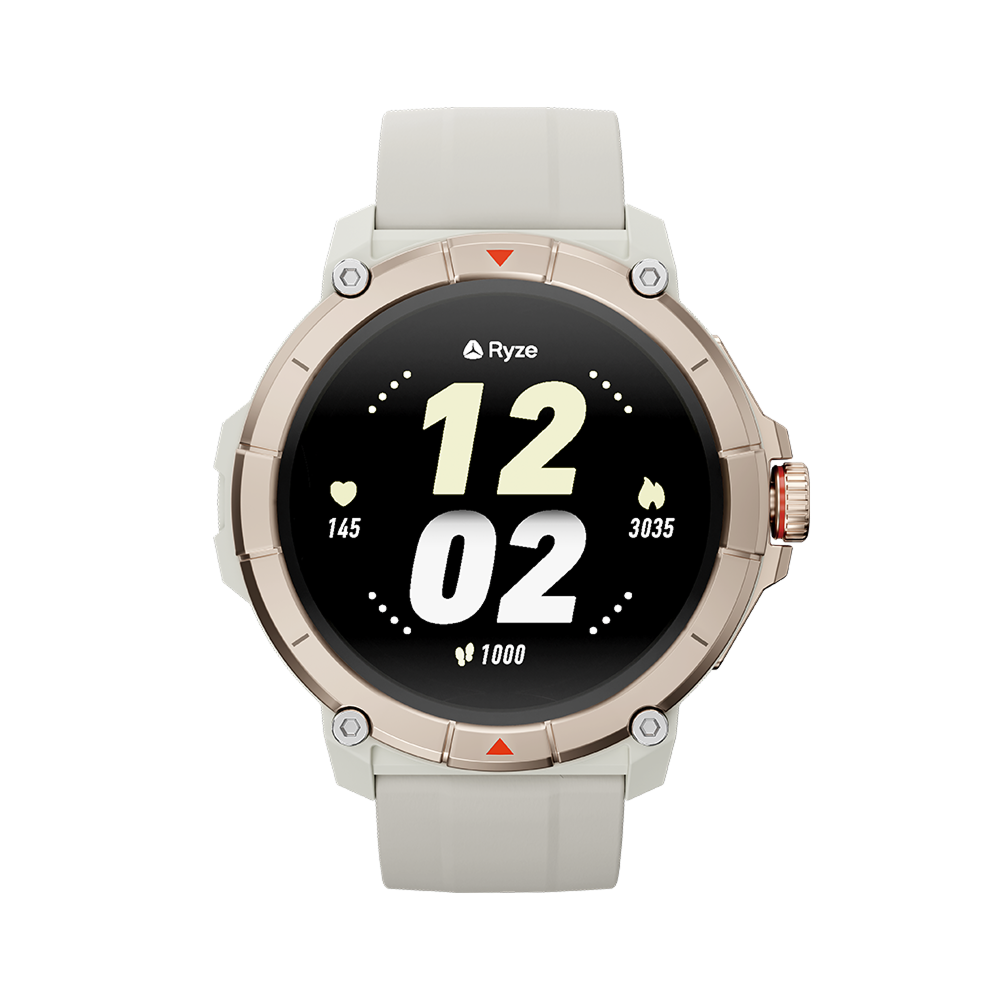
The vivid 1.27” touch screen makes operation easy. Wellbeing data is accessed via the intuitive Ryze Connect app, which seamlessly syncs with the Strava, Apple Health and Health Connect platforms. Whatever your goal, the flex gen-2 fitness & wellbeing smart watch helps you get after it.

Note, this is not a medical device.

When it comes to a smart wearable that does it all, the Ryze flex gen-2 fitness and wellbeing smart watch is the way to go. The flex gen-2 tracks you throughout the day and lets you use the Ryze app to see health and biometric data like heart rate, blood oxygen, stress and sleep patterns. With access to accurate, real-time data you can personalise your daily health goals to suit you.The Ryze flex gen-2 fitness tracker is the perfect companion if you're looking for a sleek, reliable smart watch that can help you realise your fitness and wellbeing goals. Explore our full range of Ryze smart watches online including the Ryze elevate gen-2 and the Ryze trek so you can find the perfect fitness smart watch to suit you and your lifestyle.*Please note, this is not a medical device.

Shipping
We aim to dispatch orders from our warehouse in one business day from time of purchase, although this can be delayed due to item availability or seasonal backlog. Estimated standard shipping times for metro areas are between 2-5 business days, however during busy periods shipping can take up to 10 days. See full shipping info

Returns
In order to organise a return under these terms and conditions, you must notify us via the Contact Form within 30 days of taking delivery of your product and request a return under this policy. See full returns info

Our goods come with guarantees that cannot be excluded under the Australian Consumer Law. You are entitled to a replacement or refund for a major failure and for compensation for any other reasonably foreseeable loss or damage. See full warranty info

More purpose in every move

With a data-driven snapshot of body condition, you’re all set to chase goals and see progress. Workout tracking combines with key health insight to keep you informed, and motivated. Whatever the goal, you can get it into great form.

Bluetooth<br>Calling Bluetooth
Calling
Touch<br>Screen Touch
Screen
50 Workout<br>Modes  50 Workout
Modes
Activity<br>Tracking Activity
Tracking
Key Health<br>Indicators Key Health
Indicators
Fitness & recovery

Get on track

Wellbeing

Healthy approach

Connectivity

Motivated. Connected.

Design

Performance driven

What's in the box

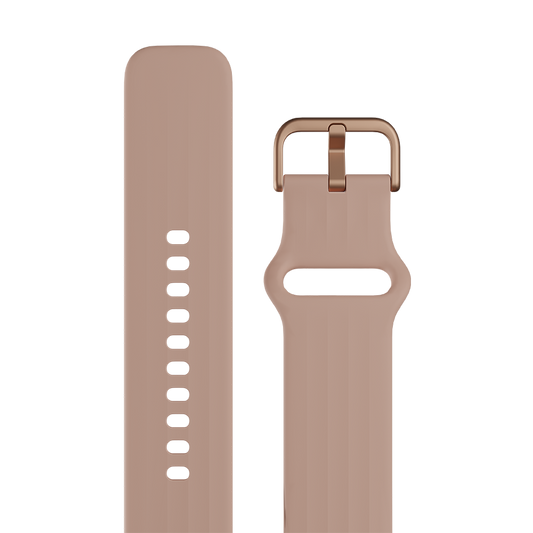
1 x Ryze flex gen 2 Smart Watch

1 x Ryze flex gen 2 Smart Watch

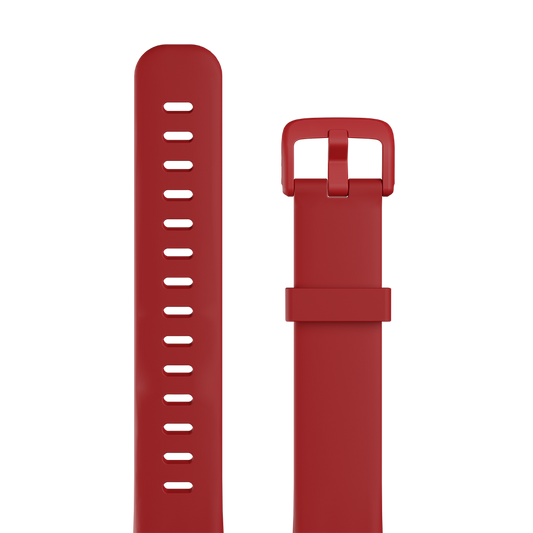
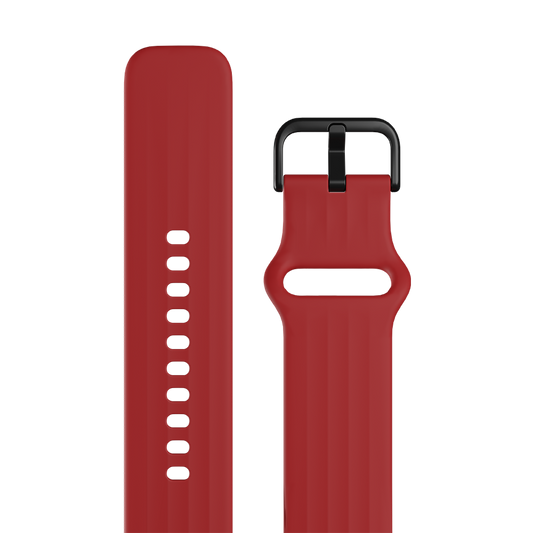
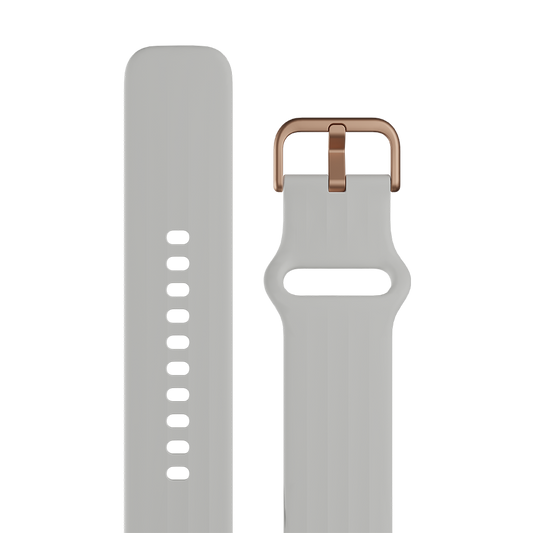
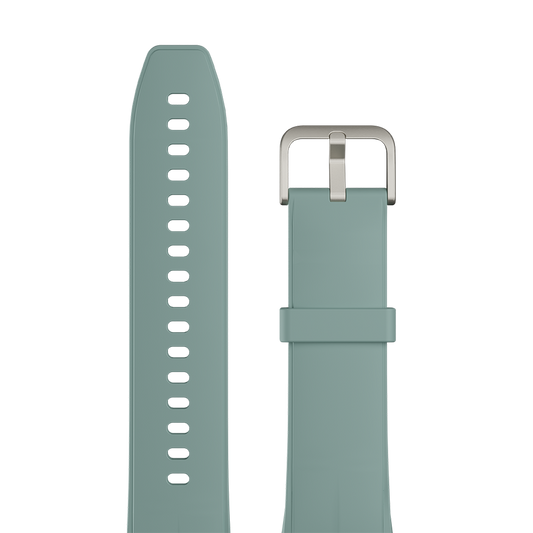
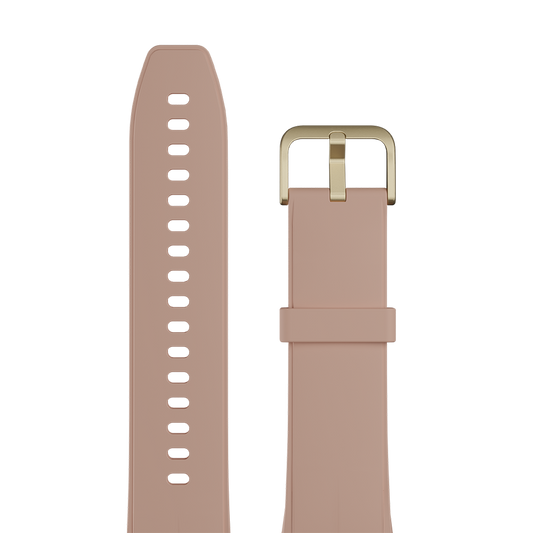
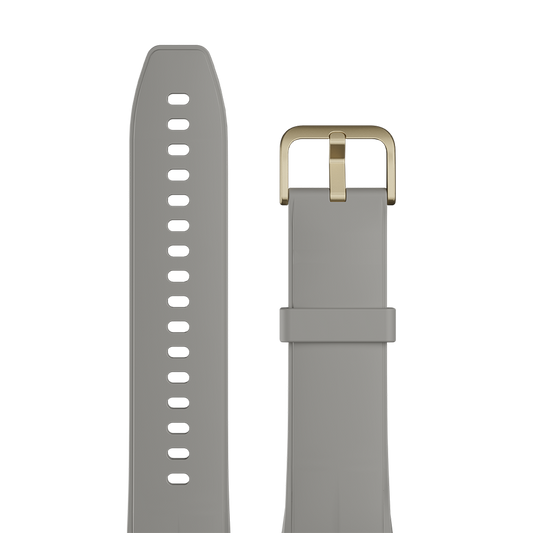
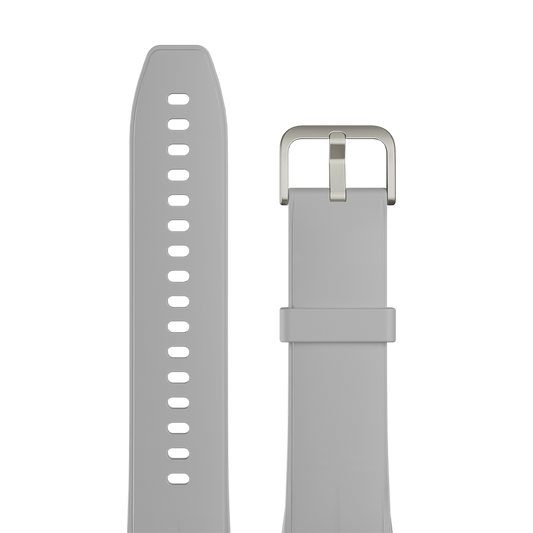
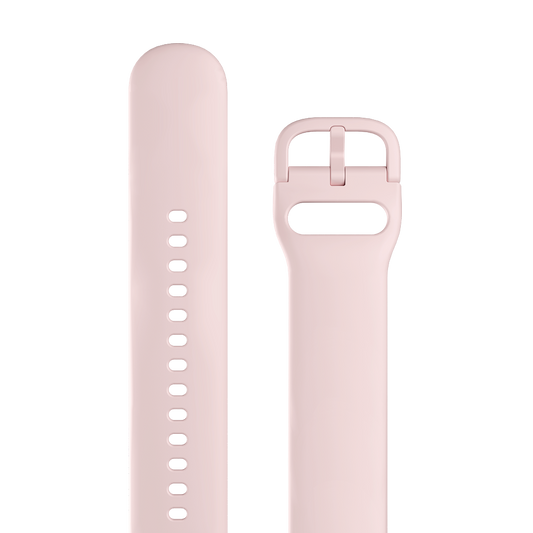
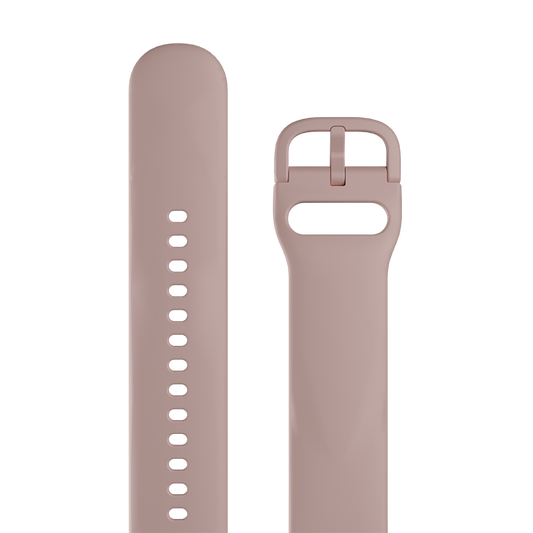
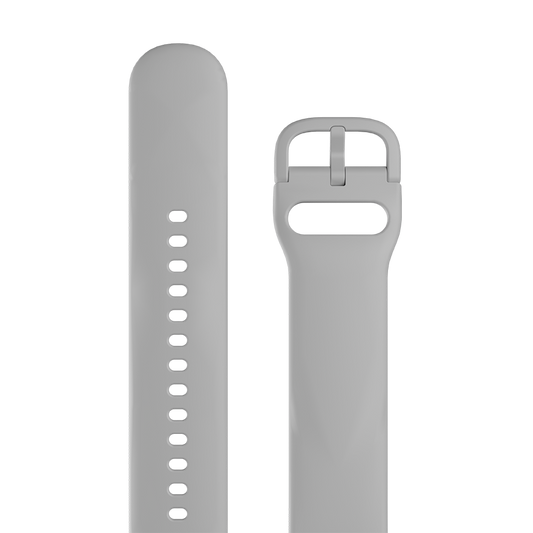
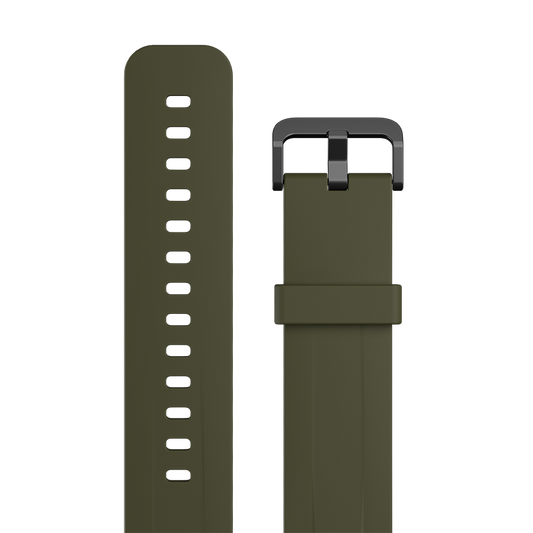
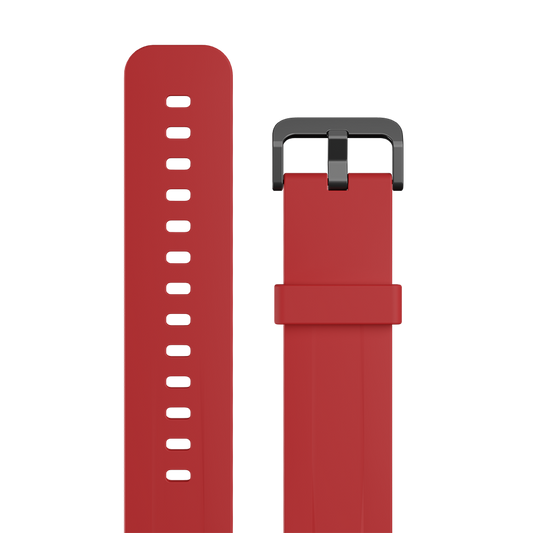
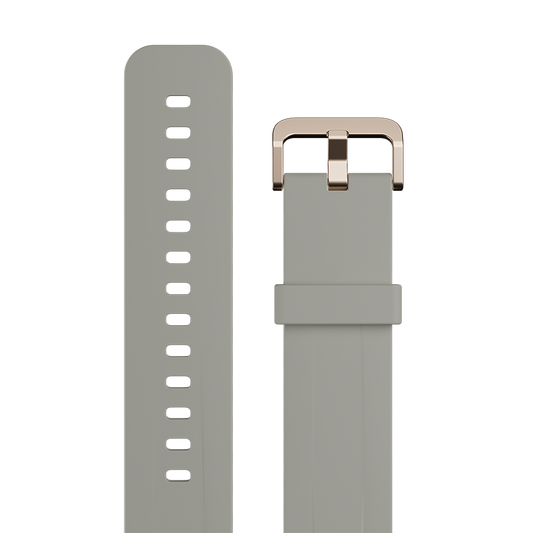
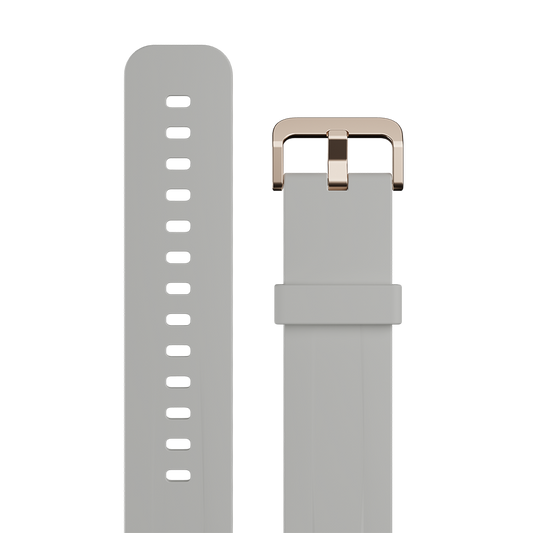
1 x Additional strap

1 x Additional strap

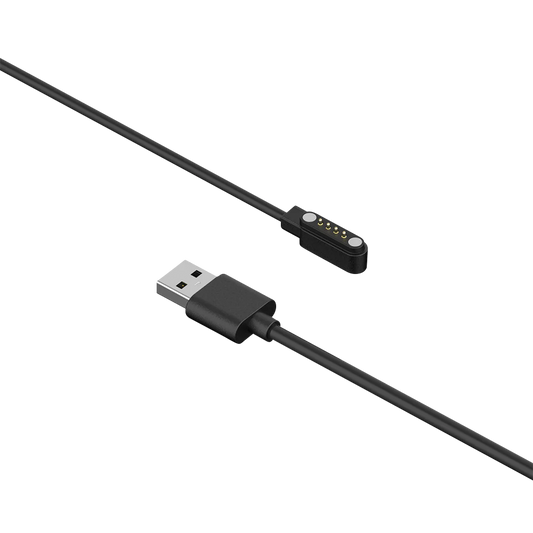
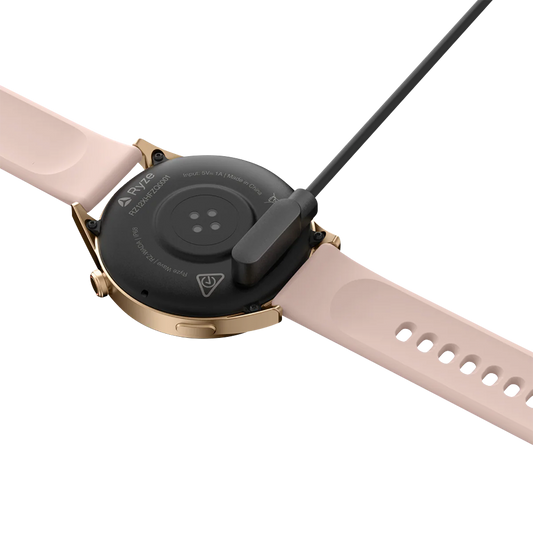
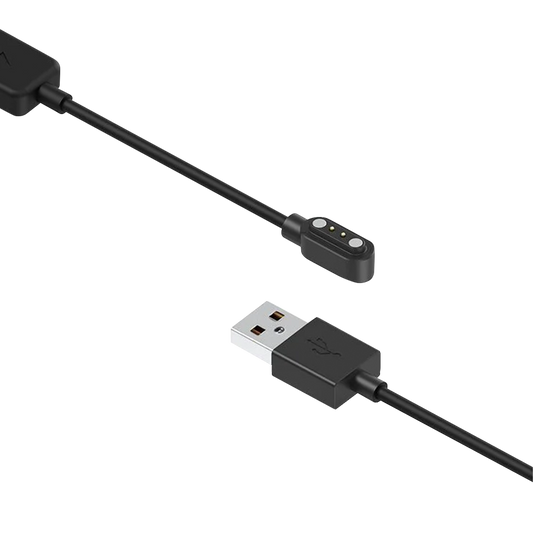
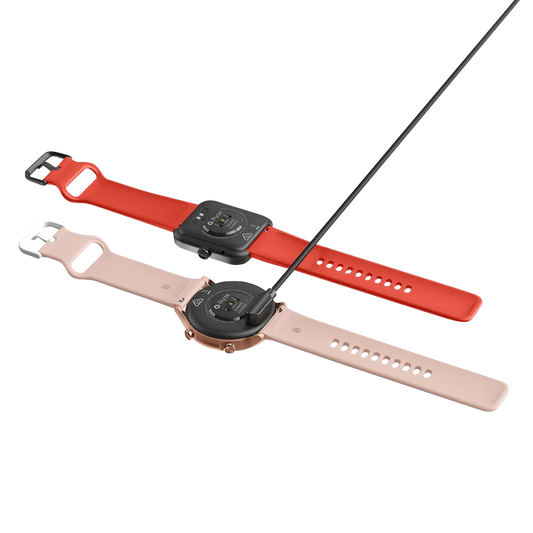
Also included: 1 x USB charging cable, and a user manual

How’s it compare?

Download the Ryze Connect App

The app is compatible for use with iPhones using iOS 9.0 or later, and with Android smartphones using Android 6.0 or later.

Rectangle_2601.png

Tech specs

See how flex G2 performs to help your performance.

Display 1.27-inch TFT touch screen
Display Resolution 360 x 360
Battery Capacity 290mAh
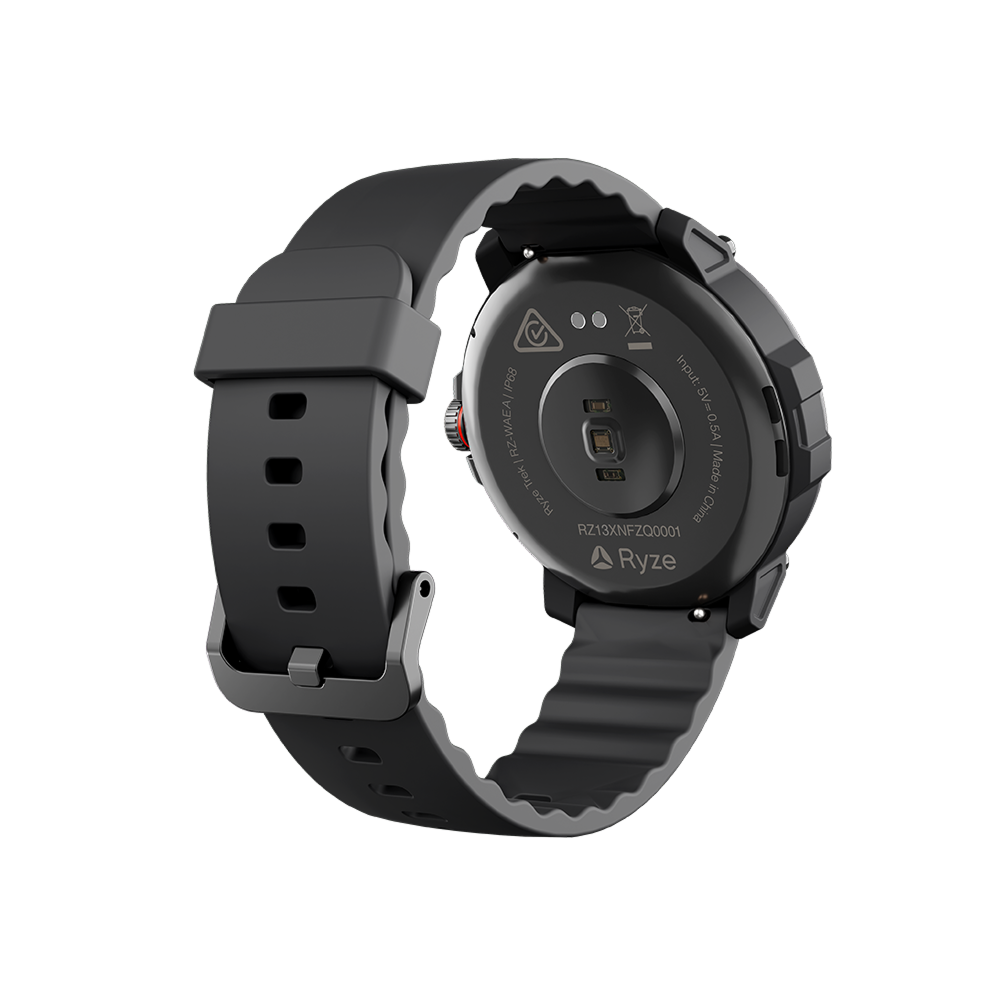
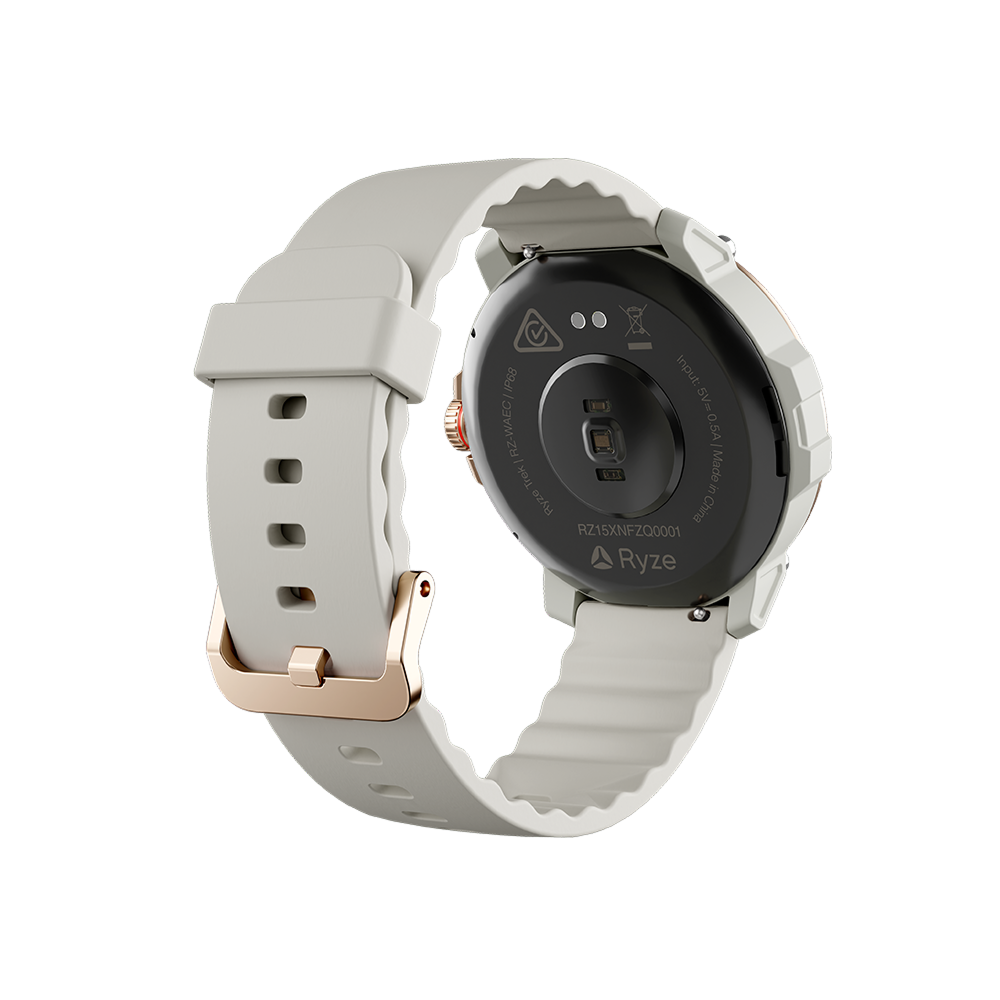
Rated Input 5V ⎓ 0.5A
Charging Time Approximately 2.5 hours for a full charge
Battery Life* Up to 7 days
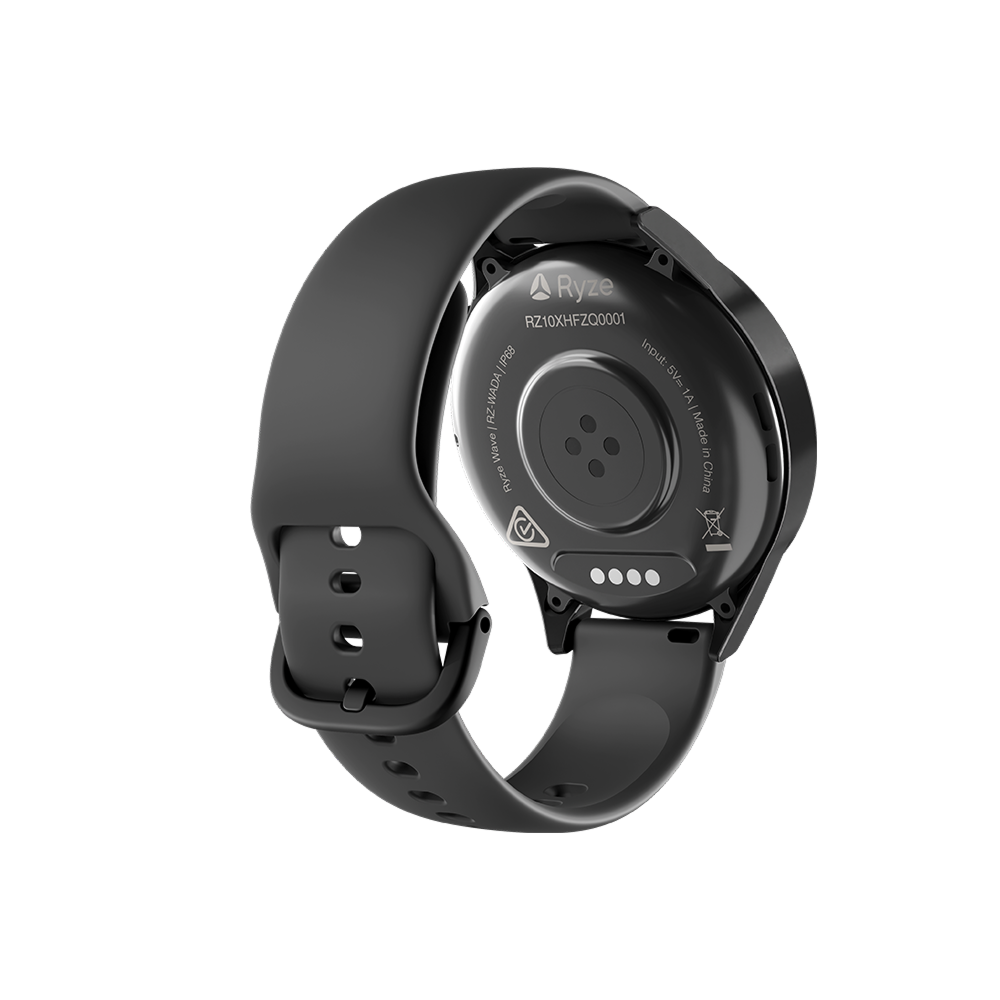
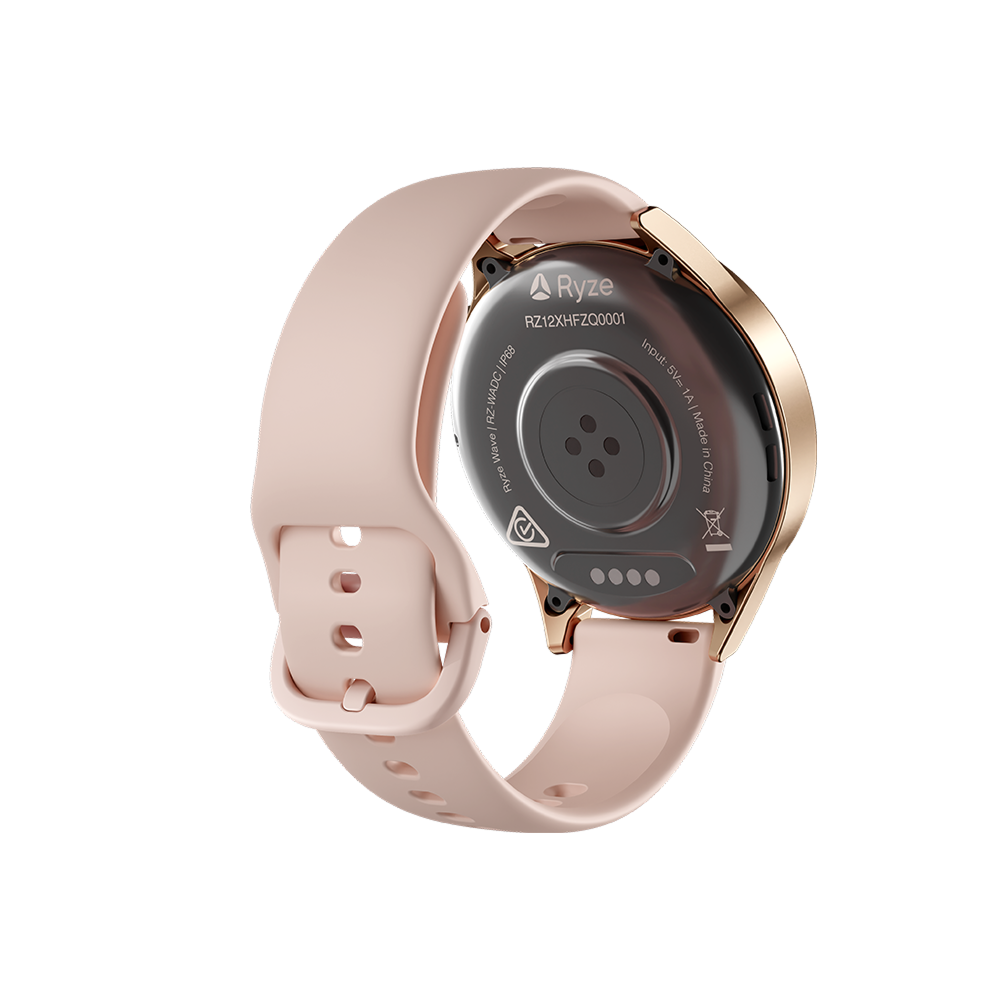
Ingress Protection IP68
Wireless Connectivity Bluetooth 5.3 BLE
Bluetooth Frequency 2402MHz – 2480MHz
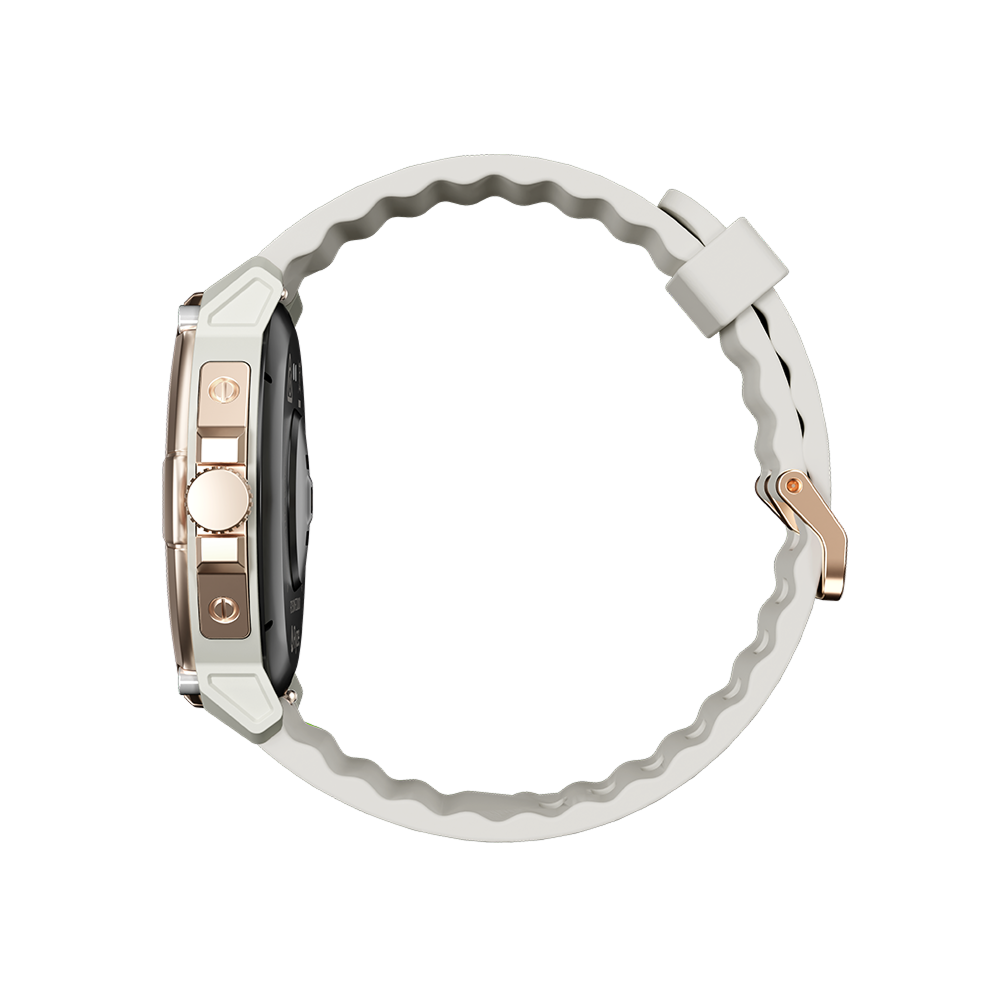
Watch Dimensions 245mm(L) x 45.6mm (W) x 12.0mm (T) (including straps and protrusions)
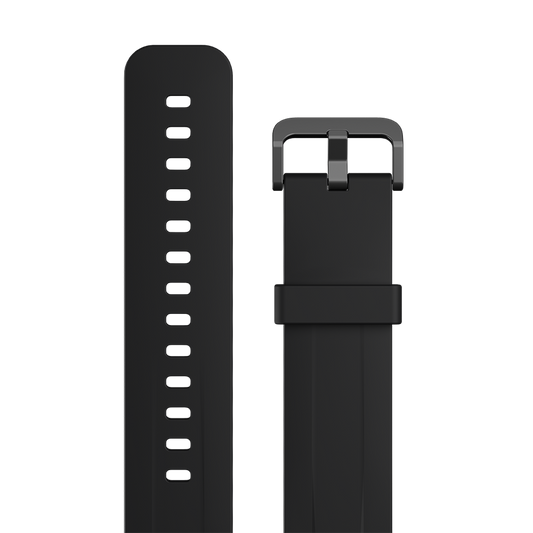
Watch Strap Width 18mm
Watch Strap Length 113mm/78mm
Wrist Circumference 140mm - 200mm
Compatibility Android 6.0 and iOS 9 versions and above
Operating Temperature -10°C to 40°C
Charging Temperature 0°C to 40°C
*Useful battery life will be shortened with more frequent use of continuous heart rate monitoring, automatic health monitoring, screen activation, vibration notification, data sync to the app and other functions.

Accessories & spare parts

Common FAQs

Got a question? Checkout our most asked – they could fast track you to the answer you need. Or check our Expertise Hub for further helpful info.

To get the most out of your Ryze smart watch, it's important to make sure you're wearing it properly so the monitors can gather data accurately.
Please ensure the smart watch is fastened comfortably, and if your skin becomes irritated, please take it off and let your skin breathe. Skin irritation can happen for the following reasons.
  • Skin friction or rubbing
  • Skin exposure to irritants such as sweat, soap or other cleaners left on wearables
  • Pre-existing allergies
Wearing an overly tight watch can trap sweat and cause skin irritation as well as impact the monitor.
  • If you find the watch particularly uncomfortable to wear, please either adjust the watch strap or take it off.
  • If your skin becomes irritated, please stop wearing the watch for several hours or a few days until your skin has healed. If the symptoms persist or worsen, consider seeking medical advice.
Your watch should be snug but comfortable. If the wrist-based watch sensors are not reading your heart rate, try tightening the strap a little bit and keep the watch strap above the wrist. Do loosen the watch after a workout.
It's important to make sure your skin is dry before wearing your watch. Wearing a wet device for an extended period will irritate the skin.
After exercising, please make sure you thoroughly clean and dry your hands, wrist and watch strap.
Traces of soap, cleaners and detergents left on the device may irritate the skin.
Use 'soap free' cleaner when you clean your watch.
Yes, the watch can be used without the app, though pairing with the Ryze Connect app provides additional features and syncing capabilities.
There are several steps to go through to pair your Ryze smart watch to the App. Please follow this Link and refer to the relevant manual for your watch model, which has clear steps to guide you through the process.
Ryze Flex Gen 2 smart watch has a IP68 dustproof and waterproof rating. It can be worn during cold-water showers, shallow waters and indoor pools .Do not use the watch in spas, hot springs, deep dives or any high-temperature, high-humidity.
Yes, the Ryze Flex Gen 2 supports Bluetooth calling and includes a built-in microphone and speaker.
The app is compatible for use with iPhones using iOS 9.0 or later, and with Android smart phones using Android 6.0 or later.
Try the following steps and pairing again.

1. Restart your mobile phone.
2. Turn off your phone’s Wi-Fi and turn on your phone’s mobile data.
3. Go to Apple’s App Store or Google Play Store, and search for Ryze Connect. Install the latest app.
4. Turn your phone’s Bluetooth off and then back on.
5. Place the watch close to the phone.
6. Fully charge to activate and turn on the watch.
7. If your watch is currently connected to another smartphone and you would like to pair it to a new phone, first open the watch settings. Tap Connect More and confirm the selection.

If the other phone is an iPhone, you will also need to delete the watch from the iPhone’s Bluetooth device list by tapping the icon ⓘ next to the watch name and then tap 'Forget this Device'.

8. Complete pairing following the manual instruction.
1. Charge the watch if battery level is low.
2. Make sure the distance between the phone and smart watch does not exceed 7 m, otherwise the signal may be too weak.
3. Make sure there is nothing between the phone and device that might obstruct the Bluetooth signal, for example, metal objects such as jewellery.
4. Make sure your phone’s Bluetooth is working. Try closing all apps, and then disable and re-enable Bluetooth before reconnecting to the watch.
5. If the Ryze Connect app is running in the background, iOS may close the app automatically, which can cause Bluetooth to disconnect.
6. Bluetooth may automatically disconnect if your phone is in power saving mode or if you are using a phone manager app. Please check your phone settings and then try again.
To update the weather data, you must sync the watch with the Ryze Connect app. Try the following in sequence:
1. Enable location service on your smart phone.
2. Turn off your phone’s Wi-Fi and turn on your phone’s mobile data.
3. Check that the Ryze Connect app has been granted access the phone’s location so that the app can determine your location automatically. If the app cannot determine your location, weather data will not be available.
4. Check that the phone has stable internet connection. Being indoor or in an enclosed environment may result in loss of GPS and therefore inability for the App and the watch to obtain updated weather forecast information. Please move to an open area and try again.
5. When the watch remains connected to the Ryze Connect app, the app periodically sends updated weather data to the watch. However, when network coverage is poor, weather data may not be synced. In this case, earlier weather data is displayed (if available), or the message “data unavailable” is displayed. 6. Do the following
i. Check that the watch is connected to the app.
ii. In the app, go to the Device menu. Tap More settings. Then enable (disable then re-enable again) the Weather Push . Click < to save the setting change. Next, go to Home menu and swipe down the phone screen to complete a data sync.
For app notification to work, the watch and the app must be connected via Bluetooth. The watch does not display notifications for messages or calls that are received while Bluetooth is disconnected. The watch will not receive notifications after the DND (Do Not Disturb) mode is enabled.
1. Open Ryze Connect App. Ensure the watch is connected to the App.
2. In the App, go to the Device menu and tap Notifications.
3. Tap Select to set Notification Access. In the following screen, turn on the switch for Ryze Connect to enable notification access. Then tap < to save the setting.
4. For iPhones, enable system notifications. Go to iPhone’s Settings > Bluetooth, find Ryze Flex G2, tap the ⓘ icon next it, then enable Share System Notifications.

5. For iPhones, go to the phone’s Settings > Notifications > Show Previews and check that it is set to Always.

6. Power off your phone and power on again, but do not use the Restart option.
Open the Ryze Connect App then do the following:
1. Go to Device menu. Check that the watch is connected to the App.
2. Under Device menu, tap More settings. Ensure that Music Control is enabled. Tap < once to save the settings and return to the Device menu.
3. Go to Home menu and swipe down the phone screen to complete a data sync.
Music and session control screens are not available for swimming mode.
The accelerometer and algorithms that the device uses to count your walking steps are highly sensitive, even small differences may affect the accelerometer and algorithms. You must provide accurate personal data during the device’s initial configuration. For example, if you enter wrong gender, height, weight, or age, it could result in inaccurate exercise data, such as incorrect counting of steps, distance, or calorie. In addition, factors such as your arm swing, stride, posture, road surface, and slope can also affect the step count.
Factors like wearing the device too loosely, swinging your arms, or sliding of the device over your skin can impact heart rate readings. In addition, wearing the device too tightly, raising your arms, or clenching your fists can affect blood circulation, which also affects sensor performance. When testing your heart rate, it is recommended that you keep your arm straight, remain static, and relax your muscles. Ensure that the watch remains in close contact with your skin. Even when you wear the watch correctly, individual differences such as skin colour, body hair, tattoos, and scars can also affect heart rate sensor performance slightly.
To improve step count accuracy, the watch has a minimum threshold of steps. This means that the total step count shown in the Ryze Connect App only changes when you take more than 10 steps. The watch starts recording data after your tenth step and only saves data when you have completed 30 steps.
The watch does not need to be connected to your phone to store exercise or sleep data. To sync data from the device, enable Bluetooth on your phone and ensure it is within range of the watch. The watch retains up to seven days’ exercise and sleep data in typical use.
Open the Ryze Connect app. Go to the Device tab. Check that your watch is connected. Tap More settings. Tap Training Mode. Tap Edit. To reorder the workout list, hold and drag the icon next to the workout name. To change workouts, tap Add. In the following screen, tap - to delete or + to add a workout up to the maximum number. Tap Done at the top right corner to save the setting. In the following screen, tap Done at the top right corner to save the setting.


Open the Ryze Connect app. Go to the Home menu where you can view your last Exercise record. Tap the Exercise card to view all records. Exercise initiated on the smart watch will be marked with a watch icon. Tap on a workout to view its details.